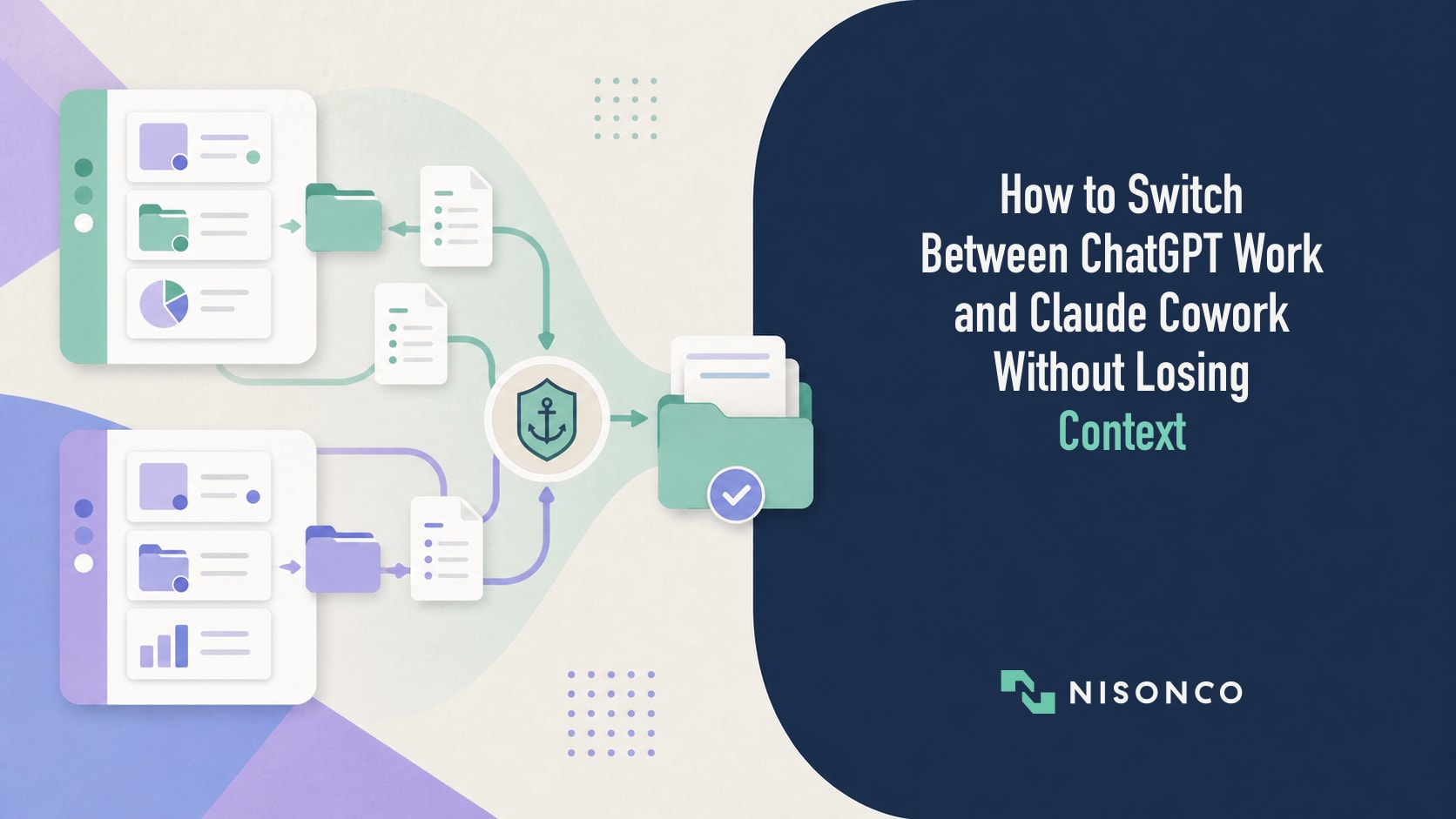
The question teams asked in January was which agentic workspace to standardize on. By August the question has changed. Plenty of organizations now have ChatGPT Work and Claude Cowork both in use, sometimes in the same department, and the practical problem is not choosing. It is moving work between them without losing the context that makes either one useful.
Most of the guidance you will find on this is out of date, and in a specific way: it says nothing transfers between the two platforms. That was true earlier this year. It is not true now. Both vendors shipped import paths in 2026, and knowing exactly what they cover, and what they still do not, is the difference between a workable two-tool setup and a slow leak of instructions, files, and decisions. For the broader product tradeoffs, see our ChatGPT Work vs. Claude Cowork comparison.
Where the two products actually stand in September 2026
ChatGPT Work launched on July 9, 2026, built on GPT-5.6 at launch and on Codex technology. The Codex app merged into the new ChatGPT desktop app, and the previous desktop app was renamed ChatGPT Classic. It handles multi-step work across connected apps, runs scheduled tasks, and on desktop includes a built-in browser and a separately installed Computer Use plugin.
Claude Cowork launched in January 2026 as a desktop research preview and is now generally available on every paid plan. Claude Desktop for macOS and Windows covers all paid plans. Web and mobile are in beta on Pro, Max, and Team, and available on Enterprise plans where an admin has enabled them. It runs scheduled tasks unattended, including when your computer is off.
One development worth knowing before you design around this: Anthropic has begun merging Cowork and chat into a single Claude experience, rolling out gradually to Pro and Max plans, while Team and Enterprise organizations keep the two separate for now. That shift is slow enough that everything below still applies, but it is the direction of travel.
One correction worth making up front, because a lot of published comparisons still repeat it. The clean split where ChatGPT Work is cloud-only and Claude Cowork is the local-files tool no longer holds.
– ChatGPT Work can use local files in the desktop app. Work on web and mobile cannot. Local chats stay on that computer and do not sync.
– Claude Cowork sessions can run either in Anthropic’s cloud or locally on your own machine. Cloud sessions are on by default for Team plans and off by default for Enterprise, where an owner has to turn them on and grant the capability through a custom role. A cloud session reaches your machine only while the Claude desktop app is open, and only for folders you have connected there.
That second point has a failure mode attached to it that we will come back to.
What actually moves between them now
There are two supported import paths, they run in opposite directions, and they cover different things.
Claude into ChatGPT: instructions, skills, config, projects
The ChatGPT desktop app has an import flow at Settings then Import, and it can import from Claude Cowork, Claude Code, or Cursor. The documented mapping covers instruction files into AGENTS.md, settings into config, skills into skills, plugins into plugins, project folders into projects, project memories from Claude Code into memories, chats from the last 30 days into ChatGPT chats, MCP server configuration into Codex MCP configuration, hooks into Codex hooks, slash commands into skills, and subagents into Codex subagents. There is an optional automatic sync, and importing does not change or delete your existing setup.
Codex CLI has its own path as well. Typing /import in a local session pulls from Claude Code or Cursor, covering setup, project files, and up to 50 chats from the last 30 days. It is not available mid-task, in a remote session, or against a local app-server daemon.
The scope here matters more than the feature list. This reads local files on your machine and lands in the desktop app. It is not an import of your claude.ai web conversation history.
ChatGPT into Claude: memory, by copy and paste
Going the other way, Claude supports memory import on Free, Pro, Max, and Team plans, at Settings then Memory then Start import. Anthropic gives you a prompt to run in the other assistant asking it to list everything it has stored about you in a single code block, which you then paste in.
Anthropic’s own caveat is worth quoting rather than paraphrasing: memory imports are experimental and still in active development, and Claude may not always successfully incorporate imported memories. Treat it as a head start, not a transfer.
What still does not move
Conversation history, in either direction, in any complete sense. ChatGPT’s import picks up 30 days of local chats from Claude Code or Cowork. Claude’s import is memory text only. Neither vendor moves your actual thread history from the other platform’s cloud.
So the accurate summary is narrower than either the old “nothing moves” line or the marketing: instructions, skills, configuration, and memory now have supported paths. Conversation history does not.
The context breaks that happen inside each product
This is the part teams get wrong most often, because when something is forgotten the instinct is to blame the handoff between vendors. Often the break is internal to one of them.
On Anthropic’s side, what Claude remembers about you in chat does not carry into Cowork sessions. Within Cowork, memory is supported in projects only, and each project has its own separate memory space.
On OpenAI’s side, project instructions override your global custom instructions inside that project. And there is a sharp edge worth knowing before you turn anything on: with project-only memory enabled, ChatGPT Work is not available in that project at all. Shared projects are forced to project-only memory and cannot be switched back.
Add those up and a two-tool team is running roughly six layers of instruction: global custom instructions and project instructions on the ChatGPT side, global, folder, and project instructions on the Cowork side, plus whatever is sitting in project knowledge. Claude can also update folder instructions on its own during a session. That is the actual mechanism behind “it stopped following our style guide,” and it is not a mystery once you can see the stack. Before either tool receives sensitive client material, review the access questions in our ChatGPT Work permissions breakdown.
A note on CLAUDE.md
If you have read that Cowork is configured through a CLAUDE.md file at your project root, that is a Claude Code mechanism and Anthropic documents it for Code, not Cowork. Cowork’s own docs note that it does not read the Claude Code CLI’s directory on your machine.
What Cowork actually uses is global instructions in Settings, per-folder instructions, and project instructions with a project-scoped memory store. Build around those.
How to run both without the drift
Neither OpenAI nor Anthropic publishes guidance on operating both tools in parallel. We looked. What follows is our own approach rather than a documented standard, but it is built on what each platform verifiably supports.
1. Keep the source of truth outside both tools
This is the single highest-leverage decision. Drive, SharePoint, Slack, and Box connect to both platforms, so the canonical version of a document should live in one of those rather than inside a project on either side. Both agents then read and write to the same place, and neither tool’s project knowledge becomes the version everyone forgets to update. Our guide to AI knowledge management for business explains how to structure that shared source of truth.
2. Write instructions once, as plain markdown
Maintain one instruction document per project in your shared drive. Pull a lean version into ChatGPT project instructions and into Cowork’s project or folder instructions rather than maintaining separate originals in each.
There is a practical reason to keep it as plain markdown: ChatGPT’s import maps instruction files to AGENTS.md, which makes a markdown instruction file the closest thing to a portable format between these tools today.
3. Map the instruction stack before you debug anything
When output quality diverges between the two tools, check the layers before you change any prompt. Which global instructions are active. Which project instructions are overriding them. Whether folder instructions were rewritten mid-session. Whether the two projects were even given the same reference files. Most divergence is a layering problem, not a model problem.
4. Match connector scope, and expect the admin path to differ
Point both tools at the same folders with the same read and write permissions, and write the mapping down. The nominal integration being available on both sides does not mean the setup is equivalent. Microsoft apps on the OpenAI side need a Microsoft Entra admin to grant organization-wide consent. Anthropic’s Slack connector expects the earlier Claude in Slack app to be installed first. Apps are enabled by default for ChatGPT Business but disabled by default for Enterprise and Edu.
5. Check the tier and admin cliffs before you standardize
Capabilities are not evenly distributed across plans, and the differences are administrative as often as they are technical. On the Anthropic side, Cowork’s built-in browser is on by default for Team plans and turns on by default for Enterprise from September 10, 2026, but an owner can disable it organization-wide. Running Cowork sessions in the cloud is on by default for Team and off by default for Enterprise, where an owner has to enable it and then grant the capability to a group through custom roles. ChatGPT Work local access on Enterprise and Edu requires enterprise key management to be enabled. Confirm what your own admin has actually switched on before you promise a workflow to anyone. If the plan decision is still open, use our buy, skip, or build scorecard for AI tools before standardizing.
6. Know your export position before you need it
The standard fallback advice, export everything and re-upload it, fails precisely at the tier this matters for. ChatGPT’s self-serve data export is not available for Business or Enterprise workspaces, which have to go through the Compliance API or Privacy Portal instead. Claude’s export is Primary Owner only on Team and Enterprise, and all memory data is included in it. Both download links expire in 24 hours.
7. Curate history rather than dumping it
Since thread history does not transfer, pick the handful of conversations that contain real decisions and summarize each into a short brief. Attach those briefs to the project on both sides. Pasting raw conversation logs into project knowledge adds noise and tends to degrade output over time.
Two risks that deserve more attention than they get
The silent local-access failure. A Cowork cloud session reaches your local files only while the desktop app is open. If the app is closed, the session keeps running but cannot reach them. A scheduled task that worked yesterday can quietly stop touching files because somebody shut a laptop, and nothing about the run announces that.
Two agents, one shared folder, conflicting instructions. This is worth taking seriously. Anthropic’s Frontier Red Team published research on August 13, 2026 on multiple agent instances working the same codebase without knowledge of each other. They found consistent duplication, with 18 of 30 agents independently creating the identical git branch name, and older models opening hundreds of pull requests that conflicted with one another and were abandoned.
That study is agents on a shared codebase with contradictory directives, not a marketing team running two assistants, and we are not going to pretend it is the same thing. But the mechanism transfers: two capable agents pointed at the same folder with instructions that do not agree will duplicate work and produce conflicts. Explicit ownership of who writes where is the fix, and it is cheap to set up in advance.
The routing question
The useful framing is not which platform your company uses. It is which platform a given phase of work belongs in, and whether the context that phase needs is somewhere both tools can reach.
Teams that get this right treat their instruction documents as living files in a shared drive, keep deliverables out of proprietary project storage, and test their critical flows after any connector change. Teams that get it wrong spend their time reconciling two versions of the same document and wondering why the outputs no longer match.
For teams still working out what ChatGPT Work is, our plain-English guide is the place to start.
Designing this properly across two vendors, with instruction architecture, connector parity, and governance that survives a tier change, is most of a job. It is the kind of work our AI consulting practice does as managed AI operations, functioning as your AI department rather than handing over a setup and leaving.
Sources
– OpenAI, ChatGPT for your most ambitious work, July 9, 2026. Launch date, GPT-5.6, Codex merge, capabilities.
– OpenAI Help Center, ChatGPT Work and Codex. Local file access on desktop, web and mobile limits, local chat sync.
– OpenAI, Import from another agent. Import sources, field mapping, Codex CLI import.
– OpenAI Help Center, Projects in ChatGPT. Project instruction override, project-only memory, Work availability.
– OpenAI Help Center, Exporting your data. Business and Enterprise exclusion.
– Anthropic, Use Claude Cowork on Team and Enterprise plans. Plan availability, cloud session defaults, built-in browser defaults, admin controls.
– Anthropic, Use Claude Cowork safely. Cloud execution, local reach conditions, folder scoping.
– Anthropic, Import and export your memory. Memory import plans, method, experimental caveat.
– Anthropic Frontier Red Team, Patterns and problems in emerging multiagent systems, August 13, 2026. Duplication and conflict findings.