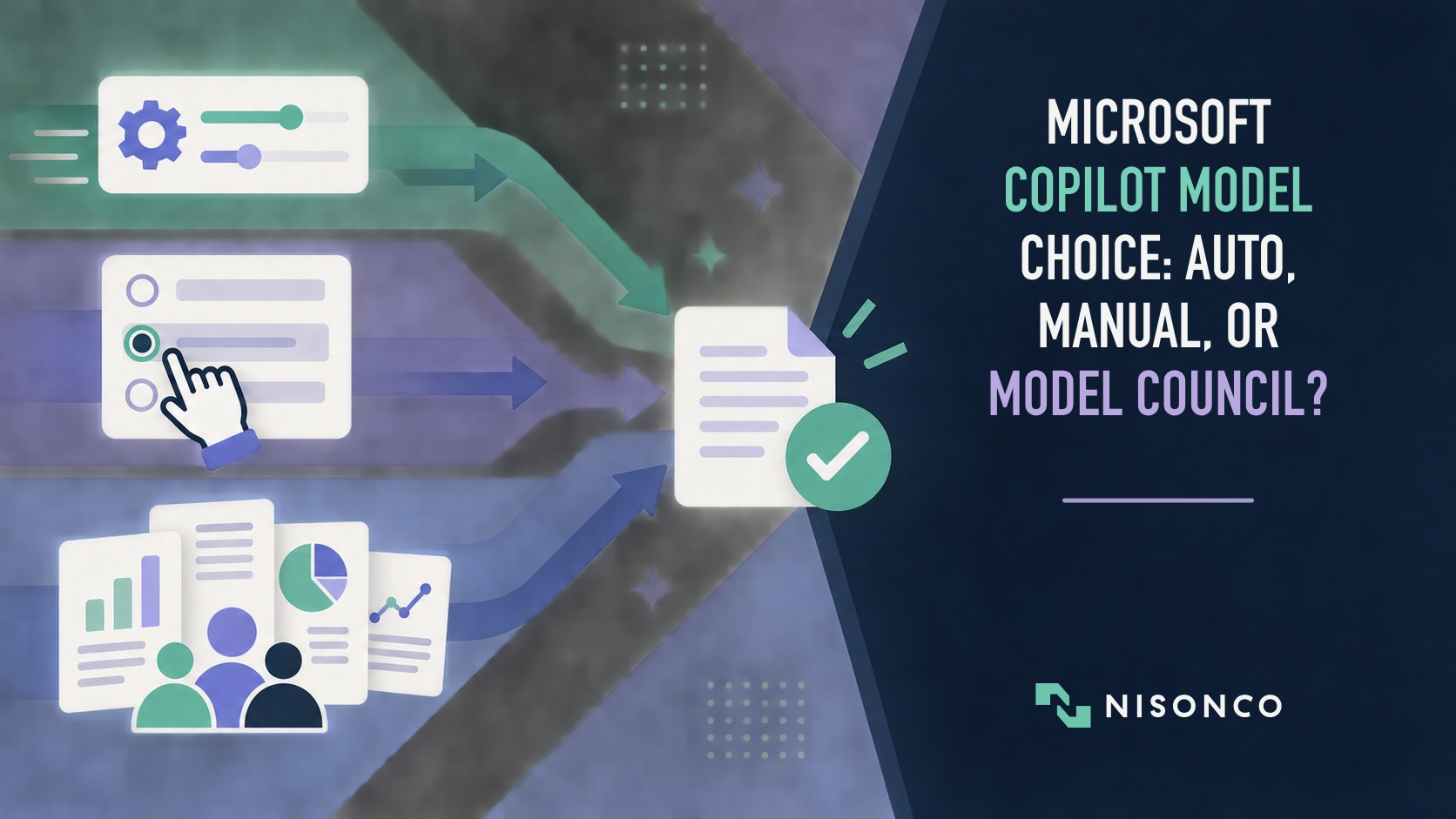
Microsoft Copilot now exposes more than one model family and more than one way to use them. That does not mean every user should choose a model for every prompt.
The useful decision is narrower: when should a team accept Copilot’s default behavior, select a displayed model deliberately, or use Model Council to compare research reports? The answer starts with availability, data handling, and review requirements before it reaches model preference.
This is a guide to those Copilot product modes, not a universal ranking of GPT-6 Astra, Claude Fable 5.1, or Grok.
Microsoft product documentation and announcements were checked September 20, 2026. Availability can vary by product surface, license, region, administrator settings, and Frontier enrollment, so confirm the options shown in your own Microsoft 365 account.
The quick answer
- Use the default or automatic option for low-risk work when the account’s approved models and data rules are already acceptable.
- Choose a displayed model manually when reproducibility, a known capability, or an approved provider matters to the task.
- Use Model Council when disagreement between research reports is itself useful and the added time and review are justified.
- Treat availability and provider terms as part of the decision. A model announced for Copilot may not appear in every account or product area.
- Record the product mode and displayed label. Do not claim a resolved underlying model ID when the interface does not expose one.
First, define what is actually available
Microsoft announced GPT-6 Astra in Copilot Cowork and Copilot Studio, with rollout varying by region and organization. Microsoft also announced Claude Fable 5.1 in Copilot and later expanded model choice with Grok.
Those announcements establish vendor availability claims. They do not prove that all three choices appear in every account, that the same labels are available across Chat, Cowork, Researcher, and Copilot Studio, or that an automatic mode routes among every enabled provider.
Before writing a team policy, capture:
- the Copilot product surface;
- the plan and license;
- region and organization settings;
- enabled providers and administrator restrictions;
- Frontier or preview enrollment where relevant;
- the exact displayed model labels;
- whether the interface exposes a resolved model ID.
If an option is not available in the account, do not assume an announcement means it can be used yet.
The three practical routing choices
Default or automatic behavior
The default option minimizes user decision-making. It is appropriate for routine work when the organization has already decided that the available providers, permissions, and data treatment are acceptable.
That does not make “Auto” a quality guarantee. Teams should still evaluate representative tasks, track corrections, and confirm what the interface reveals about the model that handled the work. The default can change as Microsoft changes the product or the organization’s enabled models.
Manual model selection
Manual selection is useful when the team needs to repeat the same setup. Examples include evaluating a new provider, reproducing a previous workflow, or using a model that the team has already tested for a narrow task.
When documenting a result, name the displayed selection and the Copilot product area. Do not turn a product label into a more specific model identity unless the interface actually provides it.
Manual choice also creates overhead. Users need a reason to deviate from the default, and the organization needs a policy that can be maintained as model names and availability change.
Model Council
Microsoft describes Model Council in Researcher as a workflow that runs the same research question through GPT and Claude research agents, preserves the reports, and adds a summary of agreement and difference. Microsoft documents license, Frontier, and administrator requirements.
This is not merely another single-model setting. Its value is the comparison itself. It is most relevant when a consequential research question benefits from seeing where two reports agree, where they diverge, and which claims require further verification.
Agreement is not proof that a conclusion is correct, and disagreement is not proof that one model failed. A human still needs to inspect the sources, assumptions, and missing evidence.
A decision framework for teams
| Situation | Starting mode | Why | Required check |
|---|---|---|---|
| Routine drafting or low-risk summarization | Default/automatic | Low decision overhead | Review a representative sample and confirm approved data use |
| A repeatable workflow already tested with a displayed model | Manual selection | Better condition control | Record the surface, label, date, and settings |
| A provider or contractual boundary matters | Manual selection or restricted model set | Governance comes before convenience | Confirm administrator controls and current provider terms |
| Complex research with meaningful uncertainty | Model Council, if available | Agreement and divergence can guide review | Verify each report’s sources and the final synthesis |
| Regulated, legal, financial, or public claims | No unreviewed mode is sufficient | Model choice does not replace accountability | Require qualified human review and an auditable source trail |
This is a starting policy, not a performance verdict. A team should change it only after testing the actual tasks it runs.
How to test Copilot routing fairly
To compare Copilot modes fairly, choose one representative business task and test only the options actually available in your account. A useful comparison should:
- Use the same question, source material, output format, and time limit.
- Record the exact product surface, displayed label, settings, date, and availability.
- Run each available mode more than once when variability matters.
- Compare requirement completion, factual and citation accuracy, useful disagreement, correction time, latency, failures, and cost.
- Keep the original output separate from edited versions.
- Conclude only which mode worked best for that task and setup, or report that no meaningful difference appeared.
This matters because Copilot adds its own orchestration, grounding, tools, and interface around the selected model. The unit being tested is the product mode, not an isolated foundation model in a lab.
For an existing NisonCo model comparison with preserved task conditions and outputs, see Six AI Models, One Business Decision. For the separate question of choosing a multi-model subscription product, see Abacus Chat LLM vs. Poe.
Governance questions to answer before rollout
Which providers may handle which information?
Do not assume every model choice has identical contractual, retention, residency, or administrator behavior. Use current Microsoft and provider terms for the exact product surface.
Who can enable a new model?
Pilot access with a limited group before making a new provider or preview feature broadly available. Record the person responsible for reviewing the setting later.
When may a user override the default?
A simple policy is more useful than a sprawling model chart. Name the small number of tasks that justify a deliberate choice and require users to preserve the displayed label for consequential outputs.
How will the result be reviewed?
Count corrections and discarded outputs. A more expensive or slower mode is worthwhile only when it improves the final work, reduces review time, or reveals useful disagreement for the task.
The bottom line
The best Copilot routing policy is not “always choose the smartest model.” It is a short, maintainable rule for when the default is sufficient, when a deliberate manual choice matters, and when multi-report comparison earns its extra review.
Start with the account you actually have. Verify availability, data rules, and administrator settings. Test representative work. Preserve the displayed labels and limitations. Then choose the lightest mode that produces a usable result.