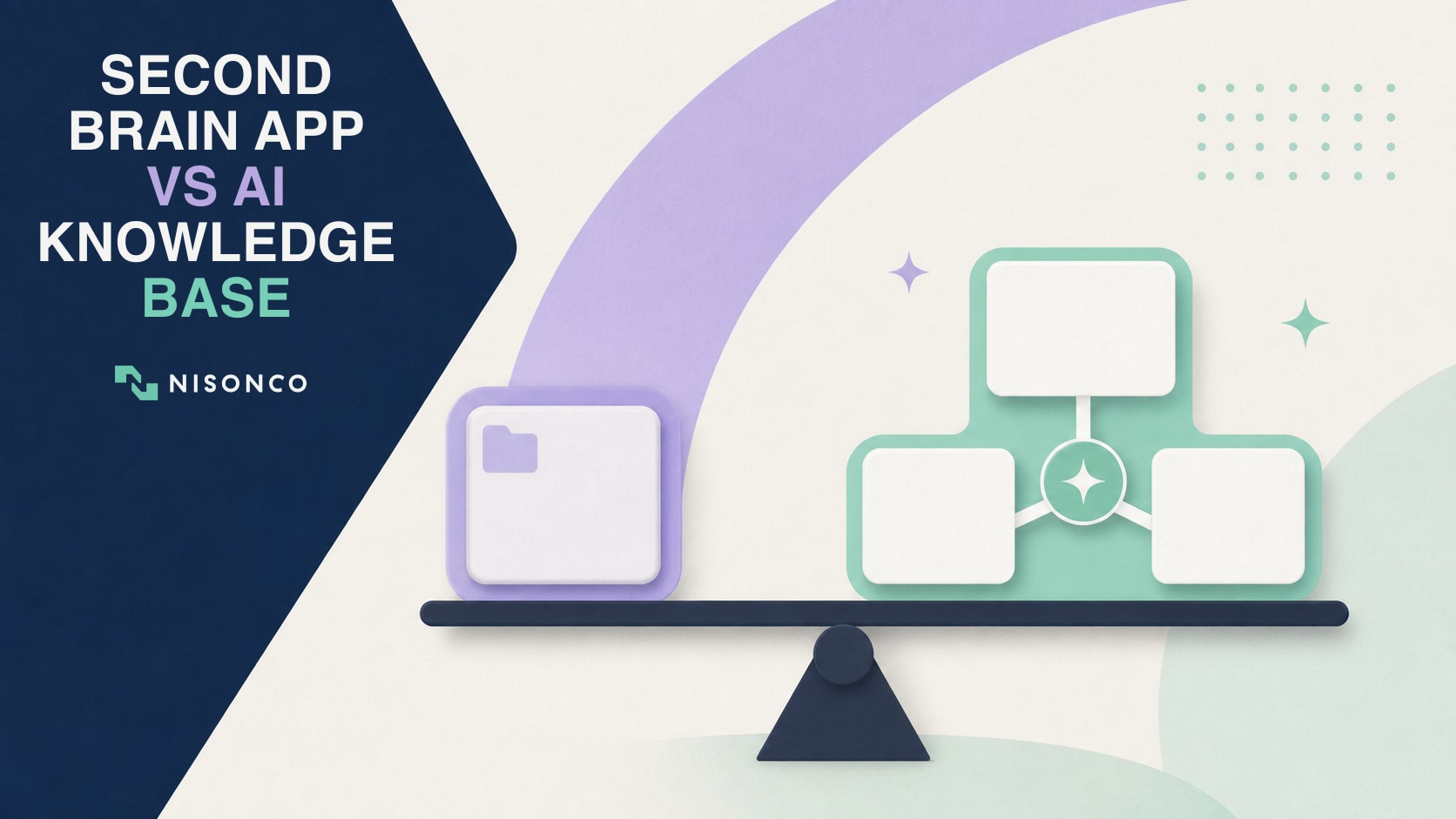
– Second Brain App vs AI Knowledge Base: What Is the Difference?
– Compare a Second Brain App, AI Platform, and Custom Knowledge Base
– Signs You Have Outgrown a Personal App
– A Practical Build-or-Buy Rubric
– How to Implement the Right Option
– Governance, Security, and Regulation
Quick Takeaways
– A second brain app is usually best for personal capture, organization, and retrieval. It can also serve a small team when the sources and permissions are simple.
– A configured enterprise search or AI workspace can cover many business needs without custom software if its connectors, permissions, citations, and administration fit your environment.
– A custom AI knowledge base becomes reasonable when approved sources, permission logic, auditability, workflows, or integrations cannot be handled reliably by an existing product.
– Team size is not the deciding threshold. Source complexity, data sensitivity, access rules, freshness, audit requirements, and integration depth matter more.
– Before buying or building, test a representative set of questions and permission cases. A polished demo is not evidence that the system will retrieve the right answer for your organization.
The choice between a second brain app and a custom AI knowledge base starts with a simple question: whose knowledge are you trying to make useful, and what should the system be able to do with it? A second brain usually helps one person or a small group remember and organize information. An AI knowledge base helps a business find trustworthy answers across company information. Between those two is a configured platform that adds AI search to tools the company already uses.
Start Here: What Problem Do These Systems Solve?
Businesses create more information than any one person can remember. Decisions are buried in meeting notes, procedures live in shared drives, customer context sits in a CRM, and the answer to a routine question may depend on finding three documents and asking a longtime employee what changed. A knowledge system is meant to shorten that search without turning unreliable AI output into company policy.
A second brain helps you remember your own information. You save notes, links, research, meeting summaries, and ideas in an app such as Notion or Obsidian. You organize or tag the material, then search it or ask an AI feature to summarize what you saved. A consultant might use one to recall client research and connect ideas across projects. It works best when one person or a small trusted team can see most of the same material.
An AI knowledge base helps an organization answer questions from approved company sources. Instead of asking the model to answer from general training alone, the system searches selected business information and uses the relevant material to form an answer. A support employee might ask, “What is our return policy for a subscription order in New York?” The useful response should cite the current policy, respect the employee’s access, and avoid mixing in an obsolete draft.
A configured AI search platform adds this capability to an existing work environment. If a company already keeps documents in Google Workspace, Microsoft 365, Notion, or another supported system, a built-in or connected AI product may be able to search those sources while using existing accounts and sharing rules. The company still needs to clean permissions, choose authoritative sources, and test answers, but it may not need to build custom software.
A custom AI knowledge base is purpose-built for sources, rules, or workflows an existing platform cannot handle well. It might combine a document library, CRM records, a ticketing system, product data, and an internal database. It can enforce client-level permissions, return citations, create structured outputs, or trigger an approved workflow. That flexibility comes with responsibility for engineering, testing, security, monitoring, and maintenance.
Four Terms You Will See in This Guide
Source: A place the system is allowed to retrieve information from, such as a folder, CRM, help center, database, or policy library.
Connector: The integration that lets the knowledge system read and refresh information from a source.
Retrieval-augmented generation, or RAG: A process in which the system searches approved sources for relevant material before an AI model writes the answer. Retrieval can ground an answer, but it does not guarantee the right document was found or interpreted correctly.
Citation: A link or reference showing which source supported the answer. Citations let a person verify the result instead of trusting polished wording alone.
A Simple Example
Imagine a ten-person agency trying to answer, “What did we promise this client, who approved it, and what is due next?” A second brain might help the account lead search personal meeting notes. A configured platform might search the agency’s shared documents and email if those sources and permissions are already well organized. A custom knowledge base might combine the signed agreement, CRM, project-management system, call transcripts, and role-based client access into one cited answer and a follow-up workflow. The right choice depends on what must be connected and controlled, not on which option sounds most advanced.
Second Brain App vs AI Knowledge Base: What Is the Difference?
Second Brain App
A second brain is a system for capturing, organizing, and retrieving information you do not want to hold in working memory. Tiago Forte’s PARA method, for example, organizes information around projects, areas, resources, and archives.
Apps such as Notion, Obsidian, Apple Notes, or a structured Google Drive can support this job. Their strengths are low setup cost, direct human editing, flexible organization, and familiar interfaces. AI search may help summarize or answer questions, but the system still depends on the quality of the notes and the permissions of the underlying workspace.
Configured AI Search or Knowledge Platform
A configured platform sits between personal notes and custom software. Products such as Microsoft 365 Copilot, Google Workspace with Gemini, Glean, Notion AI, and managed cloud knowledge-base services can connect to common repositories and provide search or answers with less engineering.
This category can be the best fit when the organization already uses a supported suite and its existing identity, permission, retention, and audit controls are adequate. Configuration is still work: administrators need to clean sharing permissions, choose connectors, control features, establish source ownership, and evaluate the answers.
Custom AI Knowledge Base
A custom AI knowledge base is software designed around an organization’s approved sources, roles, and workflows. It may use retrieval-augmented generation, or RAG, to locate relevant material and pass it to a model when answering. The original RAG research describes combining retrieval with generation; modern implementations add permission filters, metadata, citations, evaluations, logging, and workflow actions.
Custom does not automatically mean more accurate or secure. It means the organization accepts responsibility for architecture, access controls, testing, monitoring, maintenance, and incident response. Build only when that control is worth the ongoing obligation.
Compare a Second Brain App, AI Platform, and Custom Knowledge Base
Primary job
Second brain app: Capture, organize, and retrieve personal or simple team knowledge
Configured AI platform: Search and answer across supported business repositories
Custom AI knowledge base: Serve specialized roles and workflows across selected systems
Source complexity
Second brain app: Few repositories with straightforward structure
Configured AI platform: Common SaaS sources with available connectors
Custom AI knowledge base: Mixed databases, custom systems, records, and APIs
Permissions
Second brain app: Simple sharing or workspace roles
Configured AI platform: Inherited identity and document permissions
Custom AI knowledge base: Custom role, attribute, matter, client, or record-level rules
Answer behavior
Second brain app: Notes, search, summaries, lightweight Q&A
Configured AI platform: Search and cited answers within product capabilities
Custom AI knowledge base: Controlled retrieval, citations, structured outputs, and workflow actions
Administration
Second brain app: Usually an individual or small owner group
Configured AI platform: Workspace administrators and source owners
Custom AI knowledge base: Product owner, engineering, security, and data governance
Time to value
Second brain app: Fastest
Configured AI platform: Moderate after permissions and connectors are configured
Custom AI knowledge base: Slowest; requires discovery, build, testing, and rollout
Ongoing cost
Second brain app: Subscription and content maintenance
Configured AI platform: Licenses, configuration, connector, and governance costs
Custom AI knowledge base: Model and infrastructure usage plus engineering and operations
The table is a starting point, not a scorecard that always ends in custom development. A well-configured suite product can be the more secure and economical choice because the organization already has identity, retention, audit, and support processes around it.
When a Second Brain App Is Enough
The knowledge is primarily personal. You want to remember research, meeting notes, ideas, and decisions without designing a company-wide search product.
Sources are limited and easy to curate. The useful material can live in one workspace or be linked manually. There is no need to synchronize a CRM, ticketing system, data warehouse, and document repository.
Permissions are simple. Most users can see the same material, or a small number of workspace roles provides enough separation.
A human-maintained structure adds value. The act of writing, tagging, linking, and reviewing notes is part of the goal, not administrative overhead you are trying to eliminate.
Start here when it meets the requirement. The risk of an elaborate knowledge project is spending months on architecture before proving that people will maintain the source material or ask questions the system can answer.
When a Configured Platform Is the Better Middle Ground
Your information already lives in a supported ecosystem. A Microsoft 365 organization may gain more from cleaning SharePoint permissions and configuring Copilot than from copying the same files into a new vector database. The same logic applies to Google Workspace and other platforms with mature connectors.
Existing identity and compliance controls matter. Inheriting single sign-on, group membership, retention, labels, audit, and document permissions can reduce custom security work. Confirm each control in the actual license and configuration rather than assuming the AI feature inherits everything automatically.
The product can show sources. Require links or citations back to approved material. A fluent answer without traceable evidence is difficult to review and dangerous in high-stakes workflows.
Your workflows are common. Search, summarization, drafting, and question answering may not justify custom code if a supported product performs them well enough.
Signs You Have Outgrown a Personal App
There is no defensible rule that a team needs custom software at ten users, fifty users, or any other fixed count. A two-person legal or clinical team can have more complex permission and audit needs than a much larger public-information team.
Source sprawl: Important answers require combining information from documents, structured records, databases, tickets, email, and custom applications.
Permission complexity: Access depends on client, matter, region, role, contract, product, or record rather than simple folder membership.
Freshness requirements: Stale answers create operational risk, and the system needs explicit synchronization, expiration, or source-priority rules.
Auditability: You need to know which sources were retrieved, which model and prompt version ran, what the user received, and whether the result was accepted or corrected.
Workflow integration: The answer must safely create a ticket, draft a regulated response, update a record, or trigger another controlled process.
Evaluation needs: The organization requires a repeatable test set, permission tests, and quality thresholds that a general-purpose app does not expose.
A Practical Build-or-Buy Rubric
Score the following questions against real use cases. A “yes” does not automatically mean custom; it means the requirement needs evidence during procurement or architecture review.
Can an existing product connect to every authoritative source? Avoid moving data simply because a demo uses one repository. Identify the system of record for each question type.
Can it enforce permissions before retrieval? Filtering after an answer is generated is too late. Test users who should and should not receive the same sensitive record.
Can users inspect evidence? Require source links, relevant excerpts, timestamps, and a clear response when the evidence is missing or conflicting.
Can administrators control retention and logging? Match the product’s settings and contract to legal, privacy, security, and records obligations.
Can the system be evaluated? You need a representative question set, expected sources, prohibited disclosures, and a way to compare versions.
Can data and workflows leave the platform? Export and portability matter. Vendor strategy, pricing, and products change; document how you will recover source data, prompts, evaluations, and workflow definitions.
Is the gap worth operating custom software? Include engineering, security review, observability, incident response, model changes, connector maintenance, and user support, not only initial development.
How to Implement the Right Option
Step 1: Inventory decisions and questions. Start with the work people need to complete, not a list of every file the company owns. Select a narrow pilot with measurable value and manageable risk.
Step 2: Map authoritative sources and owners. For each question type, identify the system of record, source owner, update frequency, retention rule, and conditions under which the system should refuse to answer.
Step 3: Map permissions before content. Document who can access each source and whether those rules can be enforced by the chosen app, connector, or custom retrieval layer.
Step 4: Build an evaluation set. Include ordinary questions, ambiguous questions, stale documents, conflicting sources, missing answers, sensitive records, and attempts to cross permission boundaries.
Step 5: Pilot the least complex option. Configure a second brain or existing platform first when it can plausibly meet the requirements. Build custom components only for the gaps the pilot demonstrates.
Step 6: Measure usefulness and risk. Track answer acceptance, citation correctness, time saved, unresolved questions, permission failures, stale-answer incidents, and the effort required to maintain sources.
For a deeper implementation framework covering source inventory, permission-aware indexing, retrieval, evaluation, and rollout, see our guide to building an AI second brain for business. This article should remain the decision guide; that companion article owns the build process.
Governance, Security, and Regulation
The NIST AI Risk Management Framework organizes AI risk work around governing, mapping, measuring, and managing. That is a useful operating model whether you configure a vendor product or build a custom retrieval system.
ISO/IEC 42001 provides requirements for an AI management system. It can help organizations formalize roles, policies, objectives, risk processes, and continuous improvement, but certification is not a substitute for testing the actual knowledge system.
The EU AI Act entered into force on August 1, 2024, and many provisions become applicable on August 2, 2026, with important exceptions and transition periods. Obligations depend on the system, role, risk classification, and deployment context. Verify the current timeline on the European Commission’s official page and obtain qualified legal advice for regulated use.
At the system level, record source ownership, data classification, approved uses, prohibited uses, permission design, vendor terms, retention, evaluation results, human-review requirements, incidents, and model or configuration changes. Risk can be reduced through contracts, configuration, access controls, testing, and monitoring; it cannot be dismissed because a vendor labels a feature “enterprise.”
The Bottom Line
Use a second brain app when the job is primarily personal capture and retrieval. Use a configured platform when common connectors and inherited controls can meet the business need. Build a custom AI knowledge base when specialized sources, permissions, evidence, evaluations, or workflows create a gap large enough to justify owning software.
The best first move is not selecting a model. It is defining the questions, authoritative sources, permission cases, quality tests, and business result. If those requirements point to a custom build, NisonCo’s custom AI software development services can help scope a narrow pilot. Contact NisonCo to discuss the decision with the actual source and workflow constraints in view.