Table of Contents
- What Is Claude Cowork?
- The Shift from Chatbots to Agentic AI
- How Claude Cowork Helps Your Business
- Enterprise Features That Matter
- Real-World Use Cases Across Industries
- Getting Started: Deployment Best Practices
- Safety and Governance Considerations
- Conclusion: Is Claude Cowork Right for Your Business?
Quick Takeaways
Claude Cowork is an AI assistant that runs on your computer and can actually complete entire projects for you, not just answer questions, but create finished documents, spreadsheets, and presentations.
Unlike regular chatbots that only respond when you ask them something, Cowork works more like a virtual assistant who can handle multi-step tasks from start to finish with minimal supervision.
Business features include controls for who can use it, spending limits for different teams, activity tracking, and pre-built workflows that your whole company can use.
By 2026, over 80% of businesses will be using AI applications in their day-to-day operations, and 40% of business software will have built-in AI assistants that can take action, not just provide information.
Companies using Cowork are handing off repetitive tasks like formatting reports, pulling data from multiple systems, and creating weekly updates, freeing their teams to focus on strategy and decision-making.
Successful companies follow a clear pattern: set up proper access controls first, create approved workflows for common tasks, connect activity tracking to your security systems, and measure real business results beyond just "time saved."
If you're asking "how can Claude Cowork help my business," you're already thinking about the next wave of AI tools. The answer depends on whether you're ready to move from AI that answers questions to AI that completes tasks, and whether you can manage these AI assistants safely across your company. This guide walks you through everything you need to know.

What Is Claude Cowork?
Claude Cowork is an AI workspace tool designed for people who need to complete complex projects that involve multiple steps and different applications. Think of it as having an extremely capable virtual assistant, without needing to know any programming.
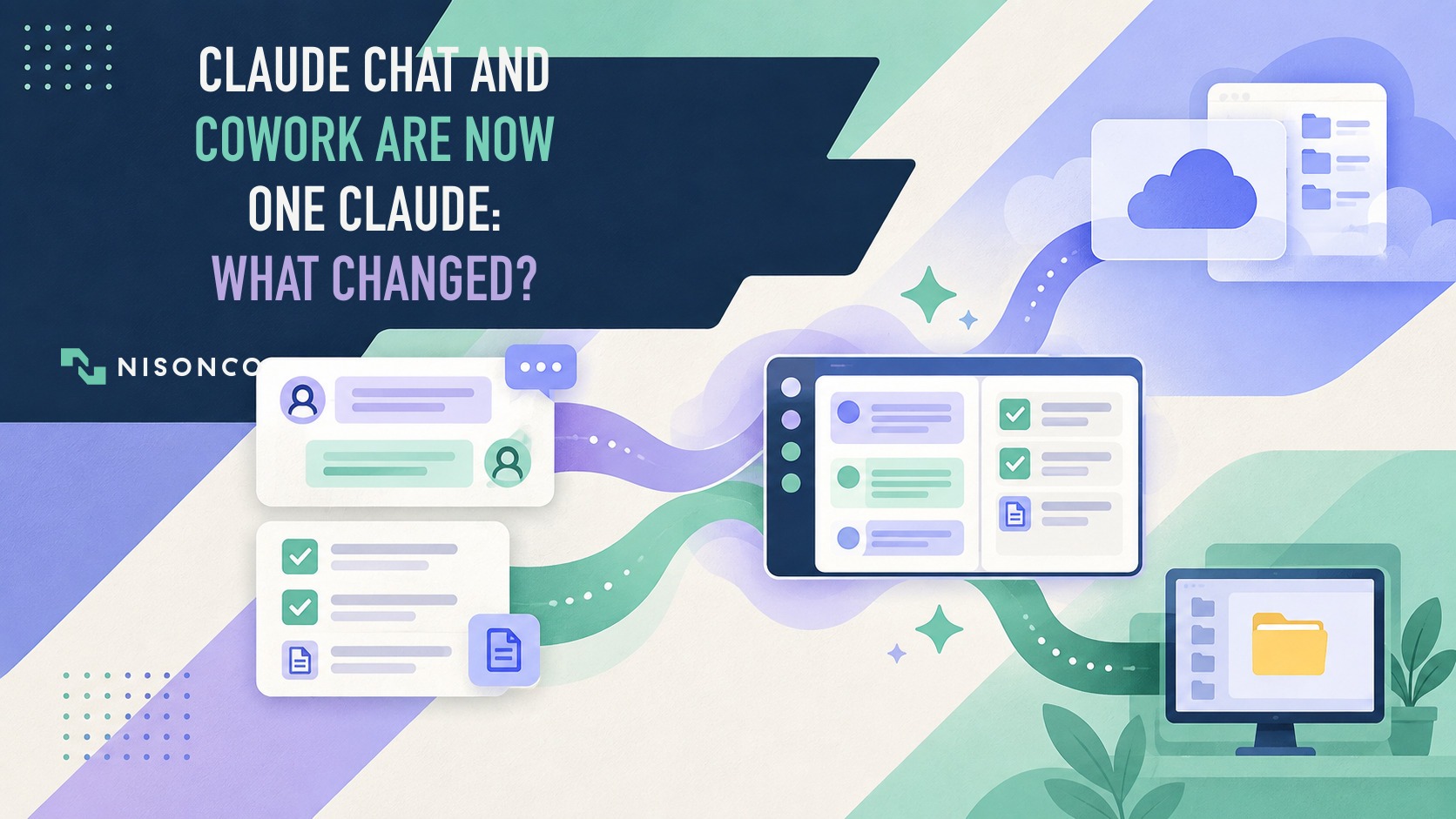
Here's what makes this tool different from regular AI chatbots: Cowork doesn't just answer questions or write text for you. It runs on the Claude desktop app for Mac and Windows, can access folders you approve on your computer, works with multiple specialized AI helpers to handle different parts of a task, and delivers complete, finished work, like full slide presentations, formatted reports, or analyzed datasets, without you having to manage every single step.
The technical architecture connects directly to your business apps (like Slack, Google Workspace, Microsoft 365, and many others) whenever possible. It only falls back to controlling your browser or using mouse and keyboard actions when a direct connection doesn't exist. This matters because direct connections are faster, more reliable, and easier to control than having AI simulate mouse clicks.
As of April 2026, Claude Cowork is available on all paid plans, with business-grade features that address the security, control, and monitoring requirements that larger companies need before rolling out AI tools company-wide.
The Shift from Chatbots to Agentic AI
We've all used the first generation of AI tools: chatbots that answer questions, draft emails, and summarize documents. Helpful? Definitely. Game-changing? Not really.
What's happening now is fundamentally different. AI is moving beyond chatbots toward assistants that can actually take action, make decisions within guidelines you set, and deliver finished work. Gartner predicts that by the end of 2026, over 80% of businesses will be using AI-powered applications in production, and 40% of business software will include AI assistants that can complete specific tasks.
What does this mean for your business? Companies that understand this shift and adjust their AI strategy from "getting answers" to "delegating complete tasks" will see the biggest productivity gains. Claude Cowork for business represents Anthropic's answer to this shift, built specifically to handle the repetitive, time-consuming tasks that surround your team's core work.
Think about how your team actually works today: a marketing manager manually pulling campaign numbers from three different dashboards, organizing them in Excel, writing up insights in a slide deck, and emailing everyone. Or a finance person compiling board materials by copying numbers from accounting software, cross-checking with budget spreadsheets, creating variance charts, and formatting everything into a presentation template. These workflows eat up hours every week, and they're exactly what AI assistants like Cowork are designed to automate.

How Claude Cowork Helps Your Business
Automate Multi-Step Projects
The core value of what is Claude Cowork comes down to this: you describe the end result you want, not every individual step. You tell Cowork "prepare the weekly executive dashboard using last week's sales data and flag any accounts that dropped more than 15%", and it handles the entire workflow.
It pulls data from your customer relationship management system, cross-checks with your analytics platform, identifies problem areas, creates charts, writes the summary, formats everything in your standard template, and gives you a finished deck. You review and approve; Cowork handles the execution.
This is completely different from asking a chatbot to "write a summary of this data." Cowork goes and gets the data, analyzes it, structures the output, and formats it for your specific business needs, all without you orchestrating each step.
Get Back Time from Repetitive Work
Here's what Anthropic's customer data shows: most Claude Cowork use cases come from non-technical teams offloading repetitive tasks that surround their actual responsibilities. Marketing teams spend hours reformatting campaign reports. HR teams manually compile onboarding materials from six different systems. Operations managers build the same status updates week after week with slightly different data.
This "busy work", the scaffolding around your team's most valuable activities, is where how to automate tasks with Claude Cowork delivers immediate return on investment. Forrester's 2024 research found positive returns from AI on revenue growth (51% of companies), cost efficiency (49%), and risk reduction (41%), with the highest returns coming from workflow automation, not standalone chatbot tools.
Connect Multiple Apps Together
One of the most powerful features is Claude Cowork's ability to maintain context across multiple business applications. Early demonstrations already show cross-app workflows where Claude analyzes data in Excel and automatically creates presentation slides in PowerPoint with the right insights, charts, and formatting, carrying full understanding between tools.
The possibilities extend across every department: finance can automate board presentation preparation from accounting and budget systems; sales can generate account reviews from customer records and communication logs; research teams can compile competitive intelligence from web sources, internal documents, and analyst databases, all coordinated through a single task you assign.
For agencies and service businesses, this opens entirely new possibilities. NisonCo's approach to lead generation management increasingly uses AI workflow automation to coordinate prospect research, outreach planning, and follow-up across multiple platforms, the same pattern Cowork enables for internal work.
Scale Expertise with Multiple AI Helpers
Claude Cowork doesn't work alone. It can coordinate multiple specialized AI helpers, each focused on specific tasks or data sources, then combine their outputs into one unified deliverable. This matters when you need to maintain consistent processes across teams or locations.
A global company might set up Cowork with regional AI helpers that understand local business rules, data formats, and reporting requirements, then have a main coordinator combine worldwide dashboards that respect those differences. Or a professional services firm could deploy specialized helpers for financial analysis, legal research, and technical documentation, all orchestrated by Cowork to produce integrated client deliverables.

Enterprise Features That Matter
When we talk about using Claude Cowork across your whole company, the conversation quickly moves beyond "what can it do?" to "how do we control it safely at scale?" Anthropic has built a comprehensive set of controls specifically for this transition.
User Access Controls
AI role-based access controls let you define exactly which teams can use Cowork, which business systems they can access, and what actions are allowed. Your finance team might have full access to accounting systems but read-only access to HR databases. Marketing might connect to social platforms and analytics tools but have no access to financial applications.
This detailed permission system works with your existing login system (single sign-on), so you're managing access through the same groups and policies you already use across your tech stack. When someone changes roles or leaves the company, their Cowork permissions update automatically.
Budget Controls by Team
AI assistants can use a lot of computing resources quickly. They make multiple requests, access various data sources, and run complex operations. Team budget limits let you allocate spending by department, project, or function, with automatic enforcement and alerts when teams approach their limits.
This isn't just cost control; it's smart resource allocation. You can experiment with promising use cases by giving larger budgets to pilot teams while maintaining tighter limits on exploratory usage.
Activity Tracking and Monitoring
For security and compliance teams, visibility into what AI assistants are doing is non-negotiable. Claude Cowork sends detailed activity logs: which tools were used, which files were accessed, when approvals were needed, which business systems were connected, into your security monitoring platform.
This creates a record of what the AI did, when, with which data, and whether human approval was required. You can set up alerts for unusual patterns, track data movement across systems, and investigate incidents with full detail.
Usage Analytics and Insights
The analytics dashboard provides visibility into adoption patterns, feature usage, and business outcomes. You can track how many people are using Cowork daily, weekly, and monthly, identify which workflows generate the most value, spot teams that need training support, and measure engagement beyond simple "number of queries" metrics.
This data drives smarter rollout strategies. If your sales team is heavily using a specific workflow, you can formalize it as an approved template for broader use. If certain departments show low adoption, you know where to focus training efforts.
Shared Workflow Libraries
One of the most strategically important features is the ability to create private plugin marketplaces that package skills, connections, and AI helpers into repeatable, role-specific workflows. Instead of every user building their own instructions and configurations, your organization creates approved templates for common tasks.
Finance gets templates for monthly close processes, variance analysis, and board reporting. Marketing gets templates for campaign performance summaries, competitive intelligence briefs, and content calendars. HR gets templates for onboarding packet generation, performance review compilation, and headcount planning.
This standardization delivers three benefits: faster time-to-value for new users, consistent quality in outputs, and centralized control over which data sources and actions are permitted for each function.

Real-World Use Cases Across Industries
Marketing and Communications
Zapier's marketing team used Claude Cowork use cases to generate a homepage draft aligned with their brand positioning in approximately 15 minutes, a task that typically requires multiple rounds of stakeholder input, competitive research, and messaging alignment. The AI assistant pulled brand guidelines, analyzed competitor sites, synthesized positioning documents, and produced a draft that needed only light refinement.
For agencies managing multiple clients, this pattern scales powerfully. NisonCo's work in PR and communications increasingly involves coordinating research, media monitoring, pitch development, and outreach tracking across platforms, exactly the type of cross-app workflow Cowork excels at automating.
Engineering Operations and Technical Workflows
Zapier's engineering operations team connected Cowork to GitLab, Jira, Productboard, OpsLevel, Jellyfish, and Databricks, then asked it to identify development bottlenecks. The AI ran 15 database queries across systems, connected data from multiple sources, surfaced the key constraints, and delivered an interactive dashboard. Work that would have taken days of manual data gathering happened in a single Cowork session.
Finance and Board Preparation
Companies are automating monthly close summaries, variance analysis, and board presentation preparation. Cowork pulls actual numbers from the accounting system, compares to budget spreadsheets, calculates variances, identifies significant changes, generates charts, writes executive summaries, and formats everything in the standard template, all from a single assigned task.
Operations and Cross-Team Coordination
Airtree automated board preparation workflows by having Cowork compile updates from Google Drive documents, Slack conversations, and external news sources, combining inputs from multiple stakeholders into a structured board packet. Jamf standardized performance review processes by automating the compilation of feedback, goal tracking, and development plans into consistent review documents.
Customer Support and Training
Organizations are using Cowork to automate knowledge base updates, compile support ticket trends, and generate training materials. When combined with tools like NisonCo's AI customer support solutions, the pattern extends to customer-facing automation: AI assistants that can coordinate across internal systems to resolve issues or provide personalized guidance.
Browser-Based Account Setup
When a service does not have an appropriate connector, Cowork can use Chrome or interact with the computer screen through the Claude Desktop app to complete steps such as filling setup forms, inviting approved users, and configuring settings. Anthropic describes computer use in Cowork as a research preview and notes that browser and screen interaction can be slower and more error-prone than a connector. Keep credentials, permissions, and consequential actions under human review.
Website and Documentation Maintenance
With access limited to folders and tools your team connects, Cowork can help update approved website files, internal documentation, and repeatable content assets. A practical workflow is to let it draft or apply a tightly scoped change, review the resulting diff or preview, and keep deployment to production behind an explicit approval. Anthropic's Cowork setup guidance explains that local file access is limited to connected folders.
Shopify Store Operations
Claude's connector directory includes a Shopify connector for adding or updating products, adjusting inventory, creating discount codes, reviewing orders, and running store analytics. In a business workflow, begin with reporting or a small batch, grant only the access the task requires, and review product, pricing, inventory, and promotion changes before they go live.
Recurring Reports and Monitoring
Validated Cowork workflows can also become scheduled tasks that run automatically on a recurring cadence or on demand. Anthropic lists recurring briefings, reports, research, file organization, and team updates among the supported patterns in its scheduled-task guidance. Start with narrow, observable outputs such as summaries and alerts, then add write actions only when permissions and review steps are clear.
Getting Started: Deployment Best Practices
The organizations seeing the strongest return on investment from Claude Cowork for business follow a disciplined rollout pattern. Here's the playbook based on Anthropic's guidance and real-world implementations:
Set Up Access Controls First
Before enabling Cowork features, configure your login system and user setup. Define groups that map to your organizational structure: by department, function, project, or security level. This foundation makes everything else easier: you'll assign Cowork capabilities, spending limits, and system connections to groups, not individual users.
Start with Low-Risk, High-Value Tasks
Don't begin with mission-critical processes or sensitive data. Identify repetitive tasks that require significant effort but have low downside if the output needs refinement. Weekly status reports, routine data compilations, formatting tasks, research summaries, and meeting preparation are ideal starting points.
Run pilots with departmental champions, subject-matter experts who understand both the business context and the quality standards. Their feedback will shape your approved workflow library and help you identify which system connections to enable broadly versus which to restrict.
Build Your Shared Workflow Library
As pilots surface successful workflows, formalize them as approved templates in your shared library. Document the business context (when to use this template, what inputs it needs, how to interpret outputs), configure the connections and permissions, and test thoroughly before broad rollout.
This is where organizations create sustainable advantage. A well-curated template library means new team members can be productive immediately, quality stays consistent, and control stays centralized, even as usage scales across hundreds or thousands of users.
Connect Activity Tracking to Your Security Systems
Configure activity monitoring to send Cowork events into your security platform from day one. Set up baseline alerts for unusual patterns: AI accessing unexpected data sources, high volumes of file operations, repeated failures, or approval requests outside normal business hours.
Use the analytics tools to track adoption metrics, not just usage counts but depth of engagement. Which teams have activated Cowork but aren't using it deeply? Which workflows show high retry rates or frequent human intervention? These signals tell you where training, additional connections, or workflow redesign will have the biggest impact.
Measure Business Results, Not Just Time Saved
The weakest return-on-investment metric for AI assistants is "hours saved." The strongest is business value created. Did automating board presentation prep let your CFO spend more time on strategic planning? Did offloading campaign reporting free your marketing team to run more experiments? Did automated competitive intelligence surface insights that shaped product decisions?
Link Cowork usage to the outcomes that matter in your business: revenue growth, margin expansion, faster cycle times, improved decision quality, risk reduction. This positions AI investment as strategic capability-building, not just cost reduction, and it makes the case for expanding rollout to additional functions.
Safety and Governance Considerations
Anthropic is refreshingly transparent about the risks of AI assistants and the current limitations of Claude Cowork's safety controls. Their safety documentation explicitly calls out concerns: malicious prompt attacks, accidental destructive actions, data movement across app boundaries, and prescribes specific safeguards.
Current Control Gaps
As of April 2026, Cowork activity is not yet captured in Anthropic's official Audit Logs or Compliance reporting tools. This means if you operate in heavily regulated industries (healthcare, finance, government) with strict audit requirements, Cowork may not yet meet your compliance thresholds for production work involving regulated data.
The activity tracking provides detailed logs, but they flow into your infrastructure, not Anthropic's compliance systems. For many companies, this is actually preferable: you control the data and the retention policies. But if you need Anthropic-certified audit trails, confirm coverage before deploying Cowork for regulated use cases.
Data Security Best Practices
Recent research shows GenAI-related data policy violations more than doubled in the past year, averaging 223 sensitive-data incidents per month per organization. The pattern is clear: when AI can move data across systems, accidental leakage becomes a real risk.
Reduce this risk by restricting which folders Cowork can access on user machines, configuring connection permissions at the most detailed level your systems support (read versus write, specific folders or channels only), and preferring direct connections over browser automation or computer-control modes whenever possible. Direct connections have well-defined boundaries; screen control has fewer guardrails.
Computer Control and Phone Assignment: Preview Features
Two of Cowork's most powerful features, computer use and Dispatch, remain in research preview as of April 2026. Computer use lets Claude Cowork operate your desktop by controlling mouse and keyboard when no direct connection exists. Dispatch enables you to assign tasks from your phone that execute on your desktop when you're away.
Both capabilities are genuinely useful, and both carry higher risk than connection-based workflows. Computer use can potentially take destructive actions (deleting files, sending messages, executing transactions) if not properly constrained. Dispatch introduces a new risk: someone who compromises your phone could potentially assign malicious tasks to your desktop.
Use these features deliberately, with clear approval workflows, and avoid them entirely for sensitive data or high-stakes operations until they move from preview to full availability with complete business controls.

Conclusion: Is Claude Cowork Right for Your Business?
The question isn't whether AI assistants will reshape knowledge work; that shift is already underway. McKinsey's 2025 survey shows 71% of organizations now regularly use AI in at least one business function, up from 65% just months earlier. The question is whether your organization is ready to move from conversational AI to task-delegating AI.
How can Claude Cowork help my business? The answer depends on three factors: whether you have repetitive, time-consuming knowledge work that follows consistent patterns; whether you can implement the control systems (user access controls, spending limits, activity monitoring, curated workflows) needed to deploy AI assistants safely at scale; and whether your culture can shift from "asking AI for help" to "assigning outcomes and reviewing results."
Organizations that excel at these transitions share common patterns. They start with pilot teams who understand both the work and the quality standards. They invest in building curated workflow libraries rather than letting every user create their own instructions from scratch. They connect activity monitoring to their security systems from day one. And they measure business outcomes (faster cycles, better insights, freed capacity for strategic work) not just efficiency metrics.
The mixed return-on-investment data we're seeing across the industry tells a clear story: organizations that treat AI as just another software tool see limited impact, while those that redesign workflows, implement proper controls, and drive intentional change capture substantial value. Claude Cowork enterprise features provide the technical foundation for the latter approach, but the foundation alone isn't sufficient.
If you're evaluating AI workspace solutions and wondering whether this is the right time to deploy AI assistants across your organization, the answer is probably yes, with the caveat that success requires more than just purchasing software. It requires identifying high-value workflows, configuring proper guardrails, training teams to delegate effectively, and linking deployment to strategic business outcomes.
NisonCo has been helping organizations navigate exactly these transitions: identifying where AI delivers real leverage, designing workflows that balance automation with human judgment, and building the change management strategies that turn pilots into production systems. Whether you're exploring AI-powered training and enablement or need guidance on business AI strategy, we focus on practical implementation over theoretical potential.
Ready to explore how AI assistants can transform your team's productivity while maintaining the control and security your business requires? We'd welcome the conversation. Contact NisonCo to discuss your specific workflows, compliance requirements, and business objectives, and whether Claude Cowork or alternative solutions best fit your organization's needs and readiness level.