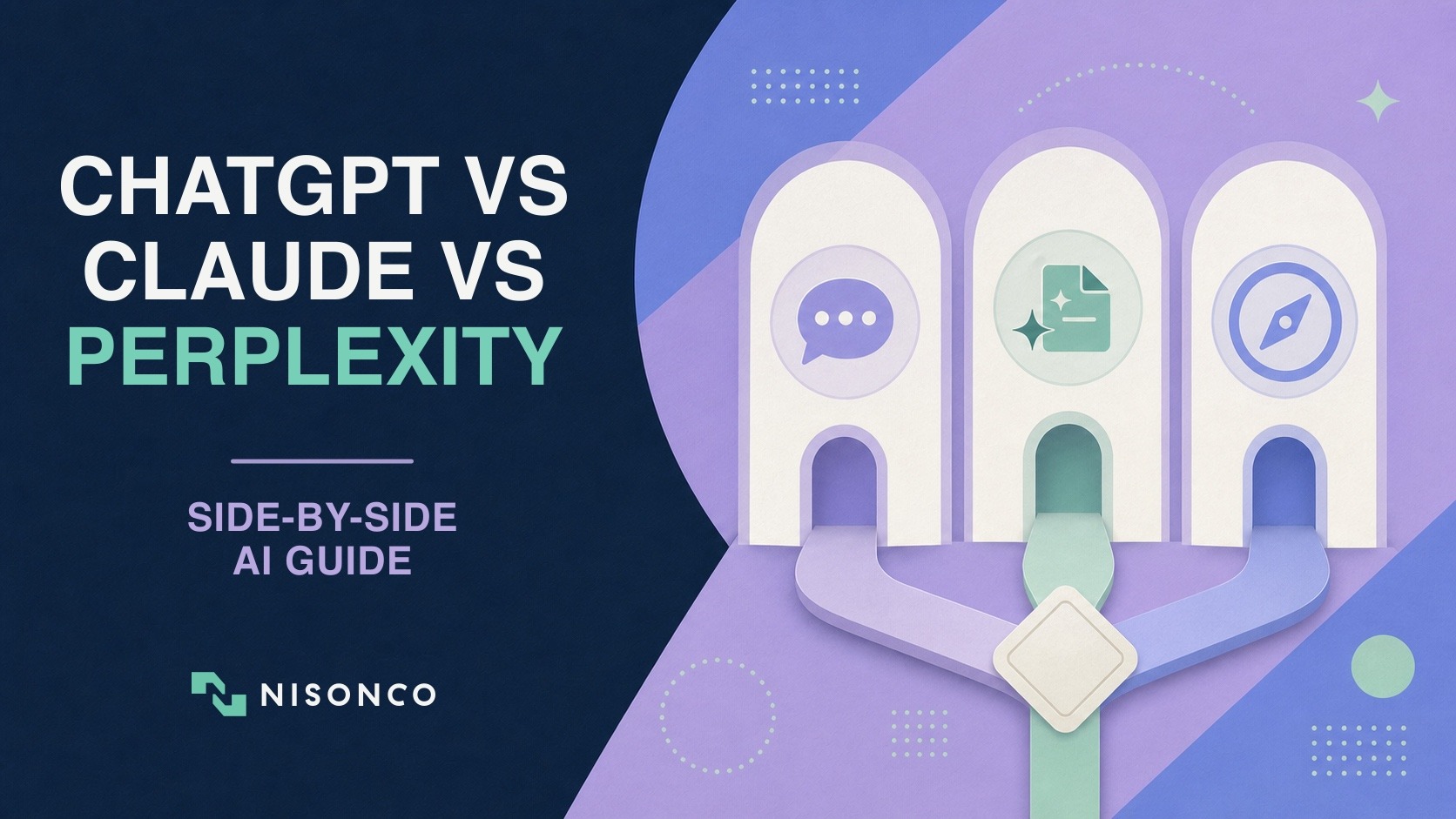
ChatGPT, Claude, and Perplexity now overlap far more than their reputations suggest. All three can search the web, analyze files, create useful work products, and support multi-step tasks. The important differences are no longer as simple as “ChatGPT is the generalist, Claude is the writer, and Perplexity is the researcher.” Each company has expanded beyond that original lane.
A better comparison starts with the work your team needs to complete. Do you need source-backed research, a finished spreadsheet, a long document, a coding agent, a recurring workflow, or a governed workspace for client data? The right answer can change by task, plan, and security requirement. This guide gives you a practical way to choose without pretending that one assistant wins every category.
Quick Takeaways
– ChatGPT offers the broadest collection of general-purpose surfaces, including chat, search, file analysis, images, voice, apps, ChatGPT Work, and Codex. Feature access and limits vary by plan.
– Claude combines chat, file creation, Claude Code, and Claude Cowork. It is worth testing when your work depends on careful document handling, coding, or longer multi-step projects, but quality still needs to be measured on your own tasks.
– Perplexity remains research-first, with visible citations as a central part of the product, but Perplexity Pro and Computer can now create reports, files, apps, and other work products. Calling it only a search engine is outdated.
– Do not choose from a generic leaderboard. Run the same representative task in each tool and compare factual accuracy, source quality, editing time, task completion, governance fit, and total cost.
– For many businesses, the best setup is one primary assistant plus a second tool reserved for a distinct workflow. That is a hypothesis to test, not a universal recommendation.
Claude vs ChatGPT vs Perplexity at a Glance
Core strength to test
ChatGPT: Broad assistant and agent ecosystem across chat, files, apps, web, desktop, and coding
Claude: Document, coding, and multi-step work across Chat, Code, and Cowork
Perplexity: Research-first workflows with inline citations, multiple models, and Computer
Useful starting workflow
ChatGPT: Mixed daily work, spreadsheets, presentations, recurring tasks, and app-connected projects
Claude: Reports, document transformation, repository work, and delegated knowledge-work projects
Perplexity: Competitive research, source discovery, due diligence, and research that becomes a report or app
Verification advantage
ChatGPT: Web search can return cited sources; Work can gather context from approved systems
Claude: Web research and connected context can support sourced work; verify the exact surface and plan
Perplexity: Citations are central to the search experience and easy to inspect
Important limitation
ChatGPT: Its breadth makes plan, permission, and usage differences easy to overlook
Claude: Usage can be consumed quickly by Code and Cowork; availability and controls vary by plan
Perplexity: Research citations still need source-quality review, and newer creation features change quickly
Business buying question
ChatGPT: Which ChatGPT surfaces, apps, actions, and admin controls will the team actually use?
Claude: Do Chat, Code, or Cowork fit the workflow, and how will usage and connector access be governed?
Perplexity: Is the team buying individual research productivity or enterprise search, security, and collaboration?
Claude vs ChatGPT: Key Differences for Business
OpenAI describes ChatGPT as an assistant for writing, planning, coding, math, image and file analysis, web search, and other everyday tasks. Paid and business plans add higher limits and additional controls. The July 2026 release of ChatGPT Work expands that range further: Work can gather context from files and connected tools, plan a longer task, create review-ready artifacts, and use approved actions across web and desktop surfaces.
That breadth is the reason to consider ChatGPT when a team wants one primary environment for many kinds of work. A marketing manager might analyze a campaign spreadsheet, turn the findings into slides, research a competitor, and schedule a recurring update without changing products. A developer can work in Codex while a nontechnical teammate uses Work to prepare the project brief and stakeholder materials.
The tradeoff is operational complexity. “ChatGPT” can refer to several different surfaces with different permissions, usage rules, and administrative controls. Before standardizing on it, identify which features matter: basic chat, search, data analysis, apps, Work, Computer Use, scheduled tasks, or Codex. Then verify that your chosen plan supports the required controls and budget.
Claude vs Perplexity: Writing, Analysis and Research
Claude is no longer only a conversational writing tool. Anthropic now supports direct creation and editing of spreadsheets, presentations, documents, and PDFs, while Claude Code focuses on software repositories and Claude Cowork handles longer delegated projects. Anthropic’s current plan comparison shows how access, usage, models, administration, and enterprise controls differ across individual, Team, and Enterprise plans.
Claude is therefore worth testing when a workflow depends on transforming a substantial source set into a coherent deliverable, working through a codebase, or delegating a project that needs files, tools, and multiple steps. That does not mean Claude will always produce better prose or analysis. Those are quality judgments, and they should be measured using your actual source materials, brand requirements, and approval process.
Usage is another important consideration. Anthropic explains that activity across Claude surfaces shares plan limits, and agentic work in Claude Code or Cowork can consume more capacity than a short chat. A successful evaluation should record both the quality of the final result and the subscription or credit consumption required to get there.
Perplexity vs ChatGPT: Research and Source Verification
Perplexity still has the clearest research-first identity of the three. Its answers foreground citations, which makes it convenient to inspect where a claim came from and decide whether the underlying source is credible. That is useful for market monitoring, competitor research, source discovery, current-event research, and early-stage fact-finding.
But the old description of Perplexity as an answer engine that cannot produce substantial deliverables is no longer accurate. Perplexity Pro now includes Computer, multiple model choices, deeper research, premium data sources, and tools for producing reports, files, apps, and other outputs. Its enterprise plans add organizational knowledge, administration, and stricter data controls.
The remaining question is not whether Perplexity can create. It is whether its research-centered workflow is the best fit for the task. A sourced market report may be a natural fit. A complex internal workflow that depends on company permissions, a specific desktop application, or a software repository may fit another surface better. Test the complete workflow rather than only the first answer.
Compare the Three AI Tools by Business Job
For research and fact-finding: Give each tool the same narrow research question and require primary sources, publication dates, and a short explanation of uncertainty. Check whether the cited pages actually support the claims. Perplexity’s citation-first interface is convenient, but a visible citation is not proof that the source is authoritative or that the summary is accurate.
For long documents: Provide the same brief, source packet, audience, length, and brand rules. Compare structural accuracy, missing requirements, factual errors, editing time, and how well each tool responds to a revision request. Do not judge from a generic “write me a blog post” prompt; the test should resemble the work your team really ships.
For spreadsheets and presentations: Ask each available product surface to produce a reviewable file from the same clean dataset. Check formulas, source traceability, chart accuracy, formatting, and whether a human can continue editing the file. A polished screenshot is not enough if the underlying calculations are wrong.
For coding and technical work: Compare Codex and Claude Code on a representative repository task with the same acceptance criteria and test commands. Measure correctness, size of the diff, maintainability, tests passed, and human review time. Perplexity can support technical research, but it should not be treated as a direct replacement for a repository-aware coding workflow without testing that exact capability.
For recurring or connected workflows: Evaluate what the assistant can access, which actions it can take, how approvals work, and what administrators can monitor. ChatGPT Work and Claude Cowork both move beyond simple chat, but their execution environments, permission surfaces, logging, and rollout controls differ. Our separate ChatGPT Work vs. Claude Cowork comparison covers that narrower decision.
For sensitive business data: Compare the exact business or enterprise plan, not the consumer brand name. Review training defaults, retention, data residency, connector permissions, audit coverage, identity controls, and contract terms. No product should be approved for client data solely because the vendor has security certifications.
Pricing, Privacy and Governance
The subscription price is only one part of the cost. Individual paid plans often cluster in a similar range, while premium, team, and enterprise tiers can differ substantially. Agentic tasks may also use included allowances, credits, or usage-based billing. API charges are usually separate from the chat subscription.
Use the current ChatGPT pricing, Claude pricing, and Perplexity pricing pages when you are ready to buy. Then estimate the cost of a completed workflow, not the cost of opening an account. A $20 subscription that requires hours of cleanup may cost more than a higher-priced setup that reliably completes the task.
A Seven-Day AI Tool Evaluation
Choose three representative tasks. Pick one research task, one deliverable such as a document or spreadsheet, and one recurring or technical workflow that reflects how your team works.
Standardize the inputs. Use the same source files, instructions, deadline, and definition of done. Record any plan or model differences that make a direct comparison imperfect.
Track accuracy and intervention. Count unsupported claims, incorrect calculations, missed requirements, failed actions, and the number of human corrections required.
Track time and cost. Measure setup time, run time, editing time, subscription or credit use, and the time required for final review.
Review governance separately. A tool can win the quality test and still fail the deployment test if it lacks required permissions, logging, retention, or administrative controls.
Choose a primary tool and an exception rule. Standardize on the product that handles the largest share of approved workflows. Document when a second tool should be used and why. This prevents a team from buying three overlapping subscriptions without a clear operating model.
Which AI Assistant Should Your Business Use?
ChatGPT, Claude, and Perplexity are all capable business tools, and all three are changing quickly. ChatGPT offers an unusually broad ecosystem. Claude combines chat, file creation, coding, and delegated project work. Perplexity makes sourced research central while extending into creation and agentic work through Computer.
The most defensible choice comes from a controlled trial on your own work. Define the task, sources, quality bar, permissions, and budget before you compare. Then select the tool that produces the best reviewed outcome for that workflow, not the one with the strongest online fan base.
NisonCo helps organizations evaluate AI workflows, connect approved business systems, and build custom tools when an off-the-shelf assistant does not fit the job. Explore our custom AI software development services, or contact NisonCo to plan a focused AI pilot.