Table of Contents
- What Vibe Coding Actually Means (And Why It’s Having a Moment)
- The Honest Case for DIY Vibe Coding
- Where DIY Breaks Down
- What a Professional AI Developer Actually Does Differently
- How to Evaluate an AI Developer: What to Look For and Red Flags
- Cost and ROI: Why It’s Cheaper Than You Think
- Making Your Decision
Quick Takeaways
– Vibe coding tools like Claude Code, Cursor, and Replit Agent let anyone build software by describing what they want in natural language, and 62% of developers already use AI tools in their workflow.
– DIY makes sense for simple internal tools, scripts, and prototypes that touch low-risk data and don’t need long-term maintenance or security hardening.
– DIY falls apart when you need production systems with auth, security, API integrations, proper error handling, monitoring, and the ability to scale without breaking.
– When you hire an AI developer today, you’re not paying for traditional dev-shop labor. You’re hiring someone with systems design judgment, AI tool fluency, and the ability to ship 10x faster while building things that survive real users.
– Professional AI developers typically cost much less than traditional dev shops because they leverage agents to move faster, meaning fewer billable hours to reach the same outcome.
Here’s the situation: tools like Claude Code, Cursor, Replit Agent, v0, and Lovable have made it genuinely possible for non-developers to build working software. You describe what you want in natural language. The AI generates code, UI, sometimes even handles deployment. It feels like magic, and for certain use cases, it absolutely works.
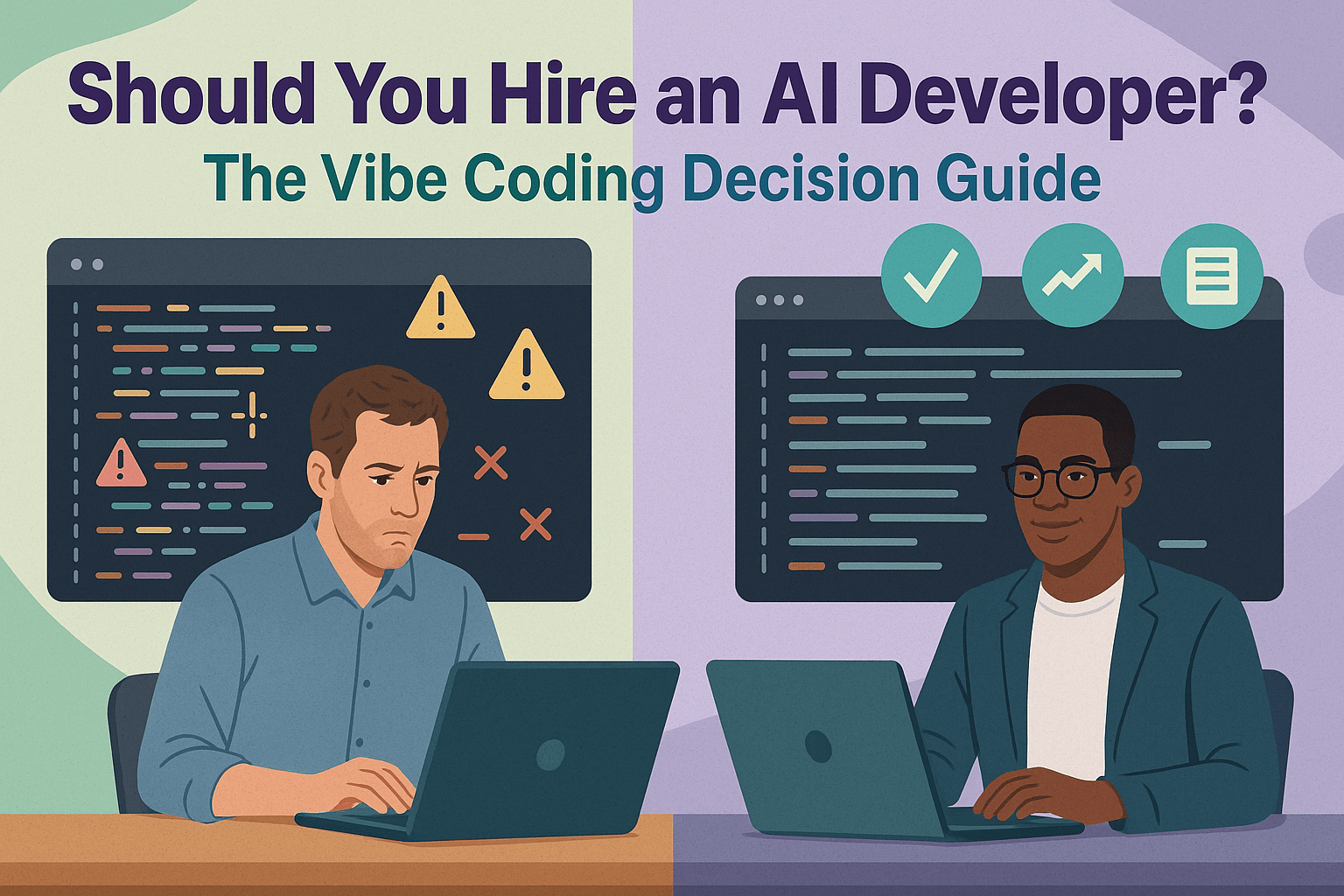
But there’s a gap between “I got this prototype running on my laptop” and “we have a production system that 500 employees rely on every day.” The question isn’t whether vibe coding is real or useful (it is). The question is: when does it make sense to hire an AI developer who knows how to wield these tools professionally, versus doing it yourself?
This guide walks through what vibe coding actually means, where DIY shines, where it falls over, what professional AI developers do differently, how to evaluate one, and how to think about cost and ROI. We’ve built more than 50 custom AI tools for clients across cannabis, real estate, financial services, and oncology, so we’ve seen both sides: the wins and the crashes.
What Vibe Coding Actually Means (And Why It’s Having a Moment)
Vibe coding describes building software by telling an AI what you want and having it generate working code, UI, and sometimes infrastructure. You’re not writing syntax. You’re describing intent, and the model translates that into a running app.
The term took off with tools like Lovable, which recently raised $330M at a $6.6B valuation building exactly this: full-stack apps from natural language prompts. But the capability is broader than one tool. Claude Code can connect to your repository, navigate codebases, and perform multi-file edits with sandboxing. Cursor offers an AI-first IDE with repo-aware intelligence and enterprise controls. Replit Agent can spin up and deploy applications from scratch. Vercel’s v0 generates both code and UI from prompts and deploys to Vercel’s platform immediately.
These tools aren’t experimental anymore. According to Stack Overflow’s 2024 Developer Survey, 62% of respondents already use AI tools in their development workflow, and 76% are either using them or planning to. Meanwhile, Gartner predicts that 40% of enterprise apps will feature task-specific AI agents by the end of 2026, up from less than 5% in 2025.
Why the moment? Models got better at reasoning and planning. Context windows expanded so agents can see entire codebases. Tool use improved, meaning models can execute commands, run tests, and iterate on errors autonomously. The result is a shift from autocomplete (GitHub Copilot’s original posture) to agentic coding, where the model reasons, plans, and executes multi-step changes across files and services.
The Honest Case for DIY Vibe Coding
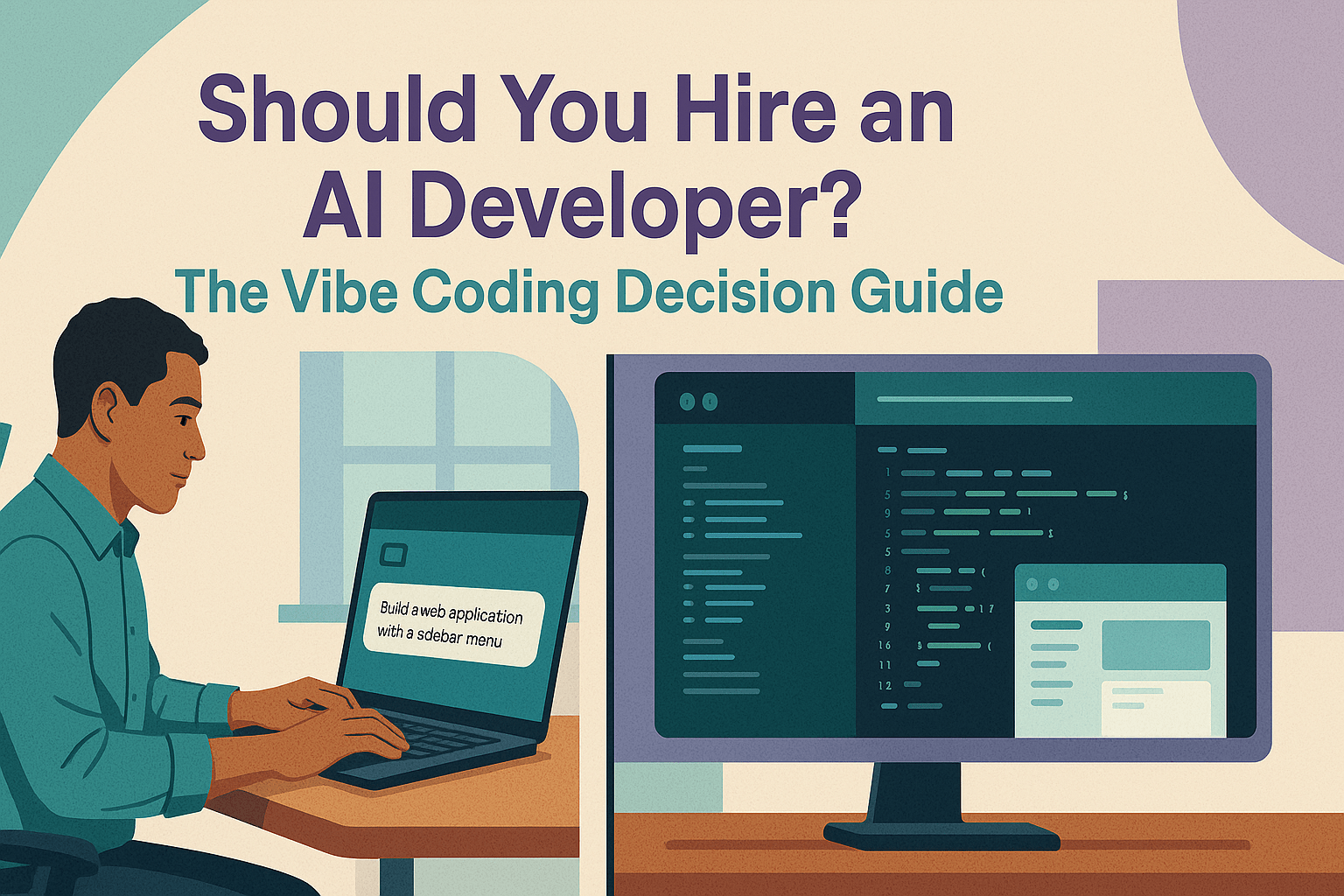
Let’s be clear: for many use cases, you absolutely should DIY with these tools. If you’re a founder, operator, or team lead who wants to build something simple and internal, vibe coding can get you from zero to working in hours instead of weeks.
When DIY Works
DIY shines when you need:
– Simple internal tools and scripts: a Slack bot that sends daily reminders, a CSV processor that cleans customer data, a webhook that logs form submissions to a Google Sheet.
– Prototypes and proof-of-concepts: you want to test an idea with real users before committing budget. Tools like v0 and Replit Agent let you go from concept to clickable demo in an afternoon.
– Low-stakes automation: workflows that touch non-sensitive data, don’t require compliance rigor, and won’t break critical processes if they go down for a day.
– Learning and exploration: if you’re trying to understand what’s possible with AI or upskill your own technical fluency, there’s no substitute for hands-on building.
A Real DIY Win
Imagine a sales ops lead who uses v0 to generate a landing page for an upcoming webinar, then uses Replit Agent to build a small webhook that pushes inbound registrations into a Google Sheet. The whole thing takes three hours, costs nothing beyond tool subscriptions, and replaces a manual copy-paste workflow that was eating 30 minutes a day. That’s a perfect DIY scenario: scoped, low-risk, immediate ROI, and the person who built it understands the workflow well enough to maintain it.
Where DIY Breaks Down
Now let’s talk about where vibe coding without professional help tends to fall apart. The line isn’t always obvious up front, which is why many teams start DIY and only realize they need to hire an AI developer after things break in production.
Production Systems and Integrations
The moment you need your tool to handle real user traffic, connect to third-party APIs with OAuth, manage secrets securely, or process sensitive data, complexity explodes. Suddenly you need:
– Authentication and authorization: OAuth flows, session management, role-based access control, token refresh logic.
– Error handling and retries: what happens when an API is down? How do you queue failed requests and retry them without duplicating actions?
– Rate limiting and backoff: most APIs throttle requests. Naive implementations hit limits immediately and fail loudly.
– Background jobs and queues: long-running tasks can’t block user requests. You need workers, job queues, and proper state management.
– Database migrations and schema changes: how do you evolve your data model without breaking existing records or losing data?
Vibe coding tools can scaffold these pieces, but they rarely get the details right. You end up with code that works once and breaks under load, edge cases, or real-world API behavior.
Security and Compliance
The OWASP Top 10 for Large Language Model Applications outlines risks like prompt injection, data leakage, unbounded agent actions, and output handling failures. If your vibe-coded tool processes customer data, interacts with external systems, or makes decisions autonomously, these risks are real.
DIY builders typically don’t know to sandbox agent execution, validate outputs, apply least-privilege credentials, or build audit trails. A professional AI developer does, because they’ve seen what goes wrong and know which guardrails matter.
Maintenance and Scale
A prototype that works on your laptop is very different from a system that runs reliably for months. As usage grows, you encounter:
– Performance bottlenecks: queries that worked fine with 50 records choke at 5,000.
– Monitoring and observability: when something breaks at 2 a.m., how do you know? How do you diagnose it?
– Deployment and rollback: how do you push updates without downtime? What’s your rollback plan if a deploy breaks things?
– Cost control: AI API calls and compute can get expensive fast if you’re not instrumenting usage and optimizing prompts.
Most DIY projects don’t account for these until it’s too late. You end up rebuilding from scratch or hiring someone to untangle a mess.
A Real DIY Breakdown
Take that same sales ops lead from earlier. They’re excited by the webhook success, so they decide to extend it: connect the flow to Salesforce with OAuth, enrich leads with third-party data APIs, de-duplicate across regions, queue retries for failed API calls, and embed an AI agent that triages leads and opens tickets in their support system.
Now they’re dealing with secrets management, SOC 2 controls, background workers, idempotency (what if the same lead comes in twice?), rate limits on multiple APIs, monitoring, audit trails, and agent reliability. The scope exploded from “simple webhook” to “production integration platform.” This is exactly when it makes sense to hire an AI developer who’s architected these systems before.
What a Professional AI Developer Actually Does Differently
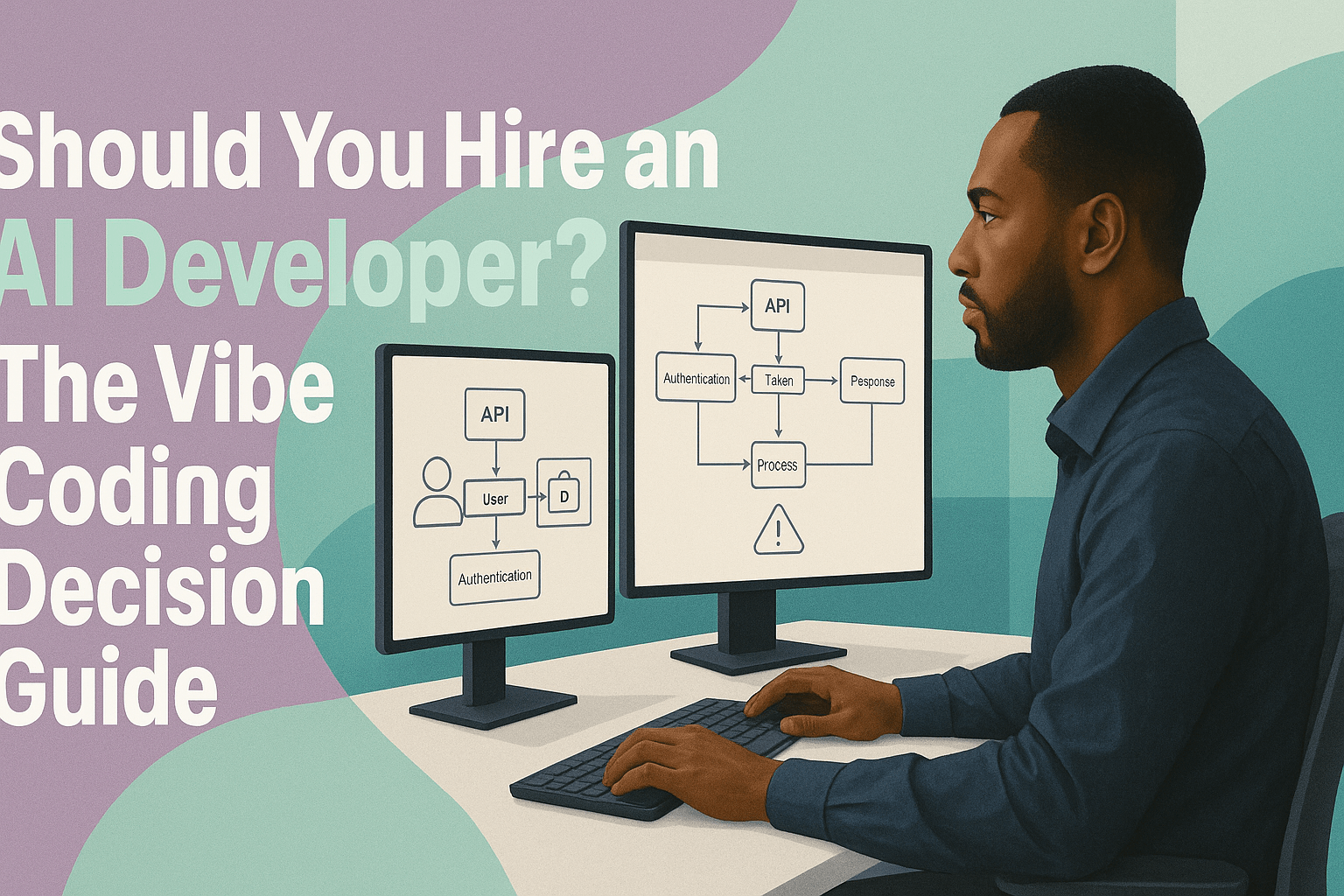
When you hire an AI developer in 2026, you’re not hiring someone to write code the old way. You’re hiring someone who can move 10x faster than a traditional developer by leveraging AI agents, while still building systems that don’t fall over. The role has changed. It’s part product manager, part systems architect, part AI whisperer.
System Design Before Code Generation
A professional starts with architecture. They map requirements to a modular design with clear data contracts, separation of concerns, and defined failure modes. Only then do they use vibe coding tools to generate implementations.
This matters because AI tools are great at generating code for well-defined problems, but terrible at inventing architecture. If you start by prompting “build me a lead management system,” you’ll get something that technically runs but has no coherent structure. A pro designs first, then delegates implementation to agents.
Choosing the Right Tools and Models
Not all AI coding tools are the same. A professional knows when to use Claude Code’s repo-connected autonomy with sandboxing for large refactors, when to use Cursor for repo-aware edits with enterprise logging, when to spin up a quick UI in v0 and deploy to Vercel, and when Replit Agent is the right fit for greenfield builds.
They also understand model selection: which models are stronger at reasoning versus code generation, how to route tasks between them, and how to balance latency, context limits, and cost. Anthropic’s Claude 3.5 Sonnet leads on real-world coding benchmarks like SWE-bench Verified, but that doesn’t mean it’s the right choice for every task.
Handling Edge Cases and Failures
Production systems fail in creative ways. APIs go down. Users send malformed input. Race conditions corrupt state. Agent outputs hallucinate. A professional AI developer builds in:
– Test harnesses and validation: every agent output is checked against expected schemas and constraints.
– Retries and circuit breakers: failed API calls retry with exponential backoff; repeated failures trigger circuit breakers that prevent cascade failures.
– Graceful degradation: if an AI feature fails, the rest of the system keeps working.
– Observability: logs, metrics, and traces make it possible to diagnose issues in production.
These aren’t nice-to-haves. They’re the difference between a tool that works in demo and one that runs reliably for months.
Security and Governance
A professional applies OWASP’s LLM Top 10 mitigations from the start: defenses against prompt injection, output validation, least-privilege credentials for agents, sandboxed execution environments, and audit trails for sensitive actions. They align with frameworks like NIST’s AI Risk Management Framework when the stakes are high.
For example, Claude Code’s sandboxed runtime isolates agent actions so they can’t accidentally (or maliciously) access the wrong resources. Enterprise tools like Cursor for Enterprise add logging and permissioning so organizations can govern agent usage at scale. A professional knows how to configure and use these controls, not just enable the default settings.
LLMOps and Iteration
Traditional DevOps focused on deploying and monitoring code. LLMOps extends that to prompts, model calls, tool usage, and agent behavior. A professional instruments:
– Prompt and response logs: what did the agent see, what did it generate, and what actions did it take?
– Latency and cost metrics: how long do requests take, and how much are they costing per user or task?
– Success and failure rates: what percentage of agent tasks complete successfully, and what are the common failure modes?
They use this data to iterate: refining prompts, switching models, adjusting retries, and optimizing context. According to Microsoft Research’s controlled trial, developers using GitHub Copilot completed tasks 55.8% faster. But those gains don’t happen automatically. They come from professionals who know how to integrate AI into disciplined workflows.
How to Evaluate an AI Developer: What to Look For and Red Flags
If you’ve decided to hire an AI developer, how do you tell who’s legit versus who’s just riding the hype? Here’s what to look for, what to ignore, and the red flags that should send you running.
What to Look For
– Portfolio with shipped, maintained systems: ask to see AI tools or agents they’ve built that are still running in production months later. Demos are easy. Maintenance is hard.
– Evidence of LLMOps maturity: do they instrument prompts, tool calls, and diffs? Can they walk you through how they monitor costs, latency, and success rates? Do they have a CI pipeline that gates agent changes with tests?
– Sensible tool and model selection: they should be fluent in Claude Code, Cursor, Replit, v0, Lovable, and other current tools. More importantly, they should articulate why they’d pick one over another for your use case.
– Understanding of risk and security: ask them to explain prompt injection or how they’d secure an agent that accesses your database. If they don’t mention sandboxing, least-privilege credentials, or output validation, that’s a gap. Familiarity with OWASP’s LLM Top 10 or NIST’s AI Risk Management Framework is a strong signal.
– Product and architecture thinking: can they scope a project, identify where agents add value versus where traditional logic is simpler, and design a system that will scale? You want someone who thinks like a product manager and architect, not just a prompt engineer.
What to Ignore
– Benchmark bragging without context: model leaderboards like SWE-bench Verified are useful directionally, but they don’t guarantee performance on your codebase or domain. If someone promises results based solely on a leaderboard, dig deeper.
– Buzzword-heavy pitches: if they lead with “agentic AI will transform your business” but can’t explain how specifically, or they talk more about the future of AI than your actual problem, walk away.
Red Flags
– “Just prompt it” for everything: if their solution to auth, data integrity, or infrastructure is “the AI will figure it out,” they don’t understand production systems.
– No plan for observability, cost controls, or rollback: ask what happens if their agent starts behaving strangely in production. If the answer is vague or reactive (“we’ll fix it”), they’re not ready for production.
– Promises to replace QA, ops, or security: AI is a lever, not a replacement. A professional knows they’re partnering with existing functions, not eliminating them.
– Unfamiliarity with current tools: the landscape changes fast, but if they’ve never used Claude Code, Cursor, or any agentic coding tool, they’re not staying current.
Cost and ROI: Why It’s Cheaper Than You Think
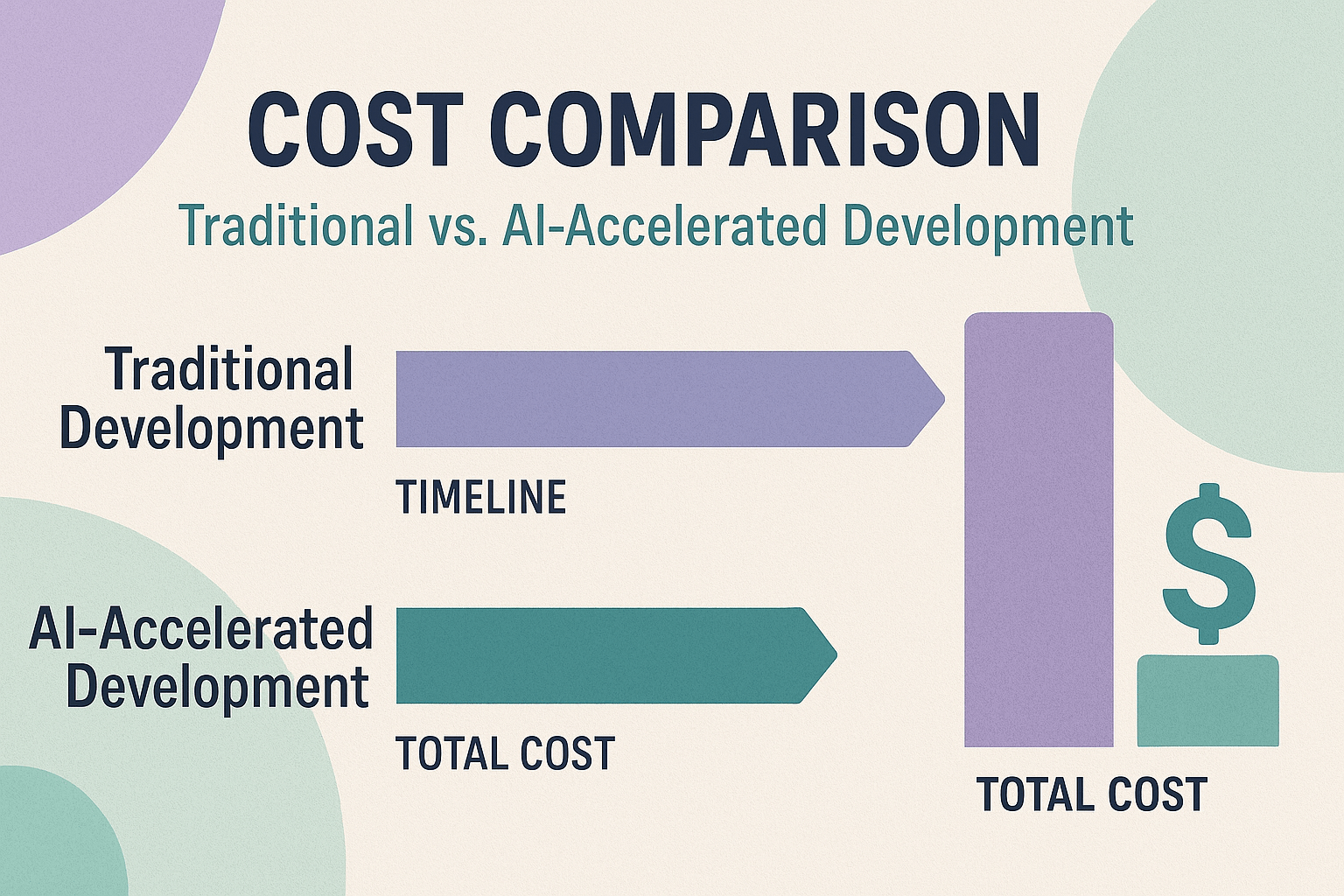
One of the biggest misconceptions about hiring professional AI developer talent is that it’s as expensive as hiring a traditional dev shop. It’s not. Because pros leverage AI agents to move faster, you typically pay for far fewer hours to reach the same outcome.
Baseline Costs
According to the U.S. Bureau of Labor Statistics, the median annual wage for software developers was $133,080 as of May 2024. Translating that to an hourly consulting rate, traditional dev shops often charge $150 to $250 per hour or more.
An AI-fluent developer moving 2x to 5x faster (thanks to agentic tooling) means a project that would take 80 hours traditionally might take 20 to 40 hours with AI leverage. Even at the same hourly rate, your total cost drops dramatically. In practice, AI developers often charge less per hour than traditional shops because the economics work at higher velocity.
Productivity Anchor
Microsoft’s controlled study showed developers completed tasks 55.8% faster with Copilot. Enterprise case studies and field reports from organizations that have adopted AI coding tools describe gains in the 20% to 40% range for cycle-time reduction. McKinsey notes that IBM reported 30% to 40% productivity gains among developers using generative AI.
Use these ranges as planning anchors. A professional who can cut your time-to-delivery by 30% or more is delivering better ROI than a traditional team, even if their rate looks similar on paper.
Why Hiring Is Often Cheaper Than DIY
This might seem counterintuitive, but DIY often costs more in the long run:
– Opportunity cost: the hours you or your team spend learning tools, debugging, and iterating are hours not spent on your core business. A professional ships faster, freeing you to focus on strategy and growth.
– Rework and rewrites: DIY prototypes that make it to production without proper architecture, security, or testing often require expensive rewrites within months. Starting with a pro avoids that tax.
– Incident and downtime costs: a production outage caused by a poorly built integration can cost thousands to millions depending on your business. Professionals build in resilience that prevents those failures.
False Economy
The cheapest approach up front is often the most expensive over time. Teams that DIY production systems without security hardening, tests, monitoring, and governance frameworks pay the price in outages, data incidents, or painful rewrites. The security and risk management standards in OWASP’s guidance and NIST’s frameworks exist because the costs of getting it wrong are high.
Making Your Decision
So, does it make sense to hire an AI developer? The answer depends on what you’re building and what’s at stake.
If you need a simple internal tool, a prototype, or a low-stakes automation, DIY with Claude Code, Cursor, Replit Agent, v0, or Lovable. These tools are powerful, accessible, and can get you to working software in hours. There’s real value in that speed and learning.
But if you’re building something that will run in production, touch real user data, integrate with critical systems, or need to scale and be maintained over time, hire an AI developer who brings systems thinking, security rigor, and AI fluency. The role has evolved. You’re not hiring traditional dev-shop hours. You’re hiring someone who can move 10x faster while still building things that survive contact with reality.
Look for portfolio evidence of maintained systems, LLMOps maturity, sensible tool selection, and security awareness. Avoid anyone who promises “just prompt it” solutions to hard problems or who can’t articulate their observability and rollback strategy.
The ROI math usually works in favor of hiring a professional. You pay for fewer total hours, avoid expensive rewrites, and ship systems that don’t wake you up at 2 a.m. with outages.
At NisonCo, we’ve built more than 50 custom AI tools for clients across industries from cannabis to financial services, real estate to oncology. We understand where agents shine and where traditional engineering discipline still matters. If you’re trying to decide whether to DIY or hire AI developer expertise, or if you want a partner who can help you build something durable with today’s agentic coding tools, we’re happy to talk through your situation and share what we’ve learned.
We offer 50+ free AI tools you can explore to see how we approach product design and user experience. When you’re ready to build something custom, reach out. We’ll help you figure out the right path, whether that’s guidance on DIY, co-building with your team, or taking the whole project off your plate.